Xubuntu 16.04 extended monitor with ATI / AMD radeon
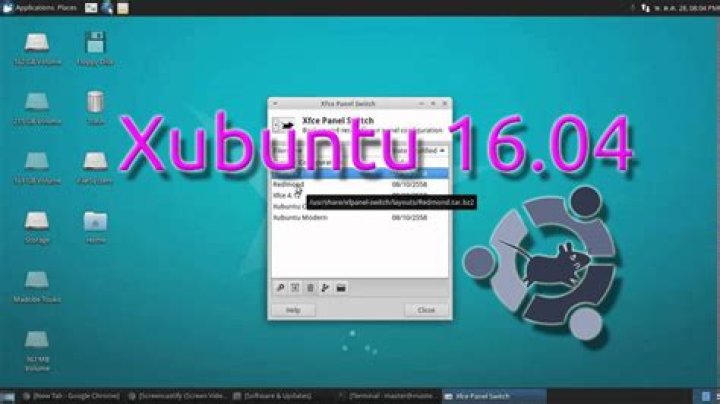
I recently updated my Xubuntu System to 16.04 and now I can't use my second display as a extended screen anymore. So at the moment it is just mirrored screen. I know that with 16.04 the fglrx isn't supported and the radeon driver is used.
My graphiccard is AMD Cedar see lspci | grep VGA:
01:00.0 VGA compatible controller: Advanced Micro Devices, Inc. [AMD/ATI] Cedar [Radeon HD 5000/6000/7350/8350 Series]Therefore I had to create the xorg files and configured these in /usr/share/X11/xorg.config.d/
Here my 10-monitors.conf:
Section "Monitor" Identifier "DVI" Option "ModelName" "Generic Autodetecting Monitor" Option "DPMS" "true" Option "PreferredMode" "1280x1024" Option "TargetRefresh" "60" Option "Rotate" "normal" Option "Disable" "false"
EndSection
Section "Monitor" Identifier "VGA" Option "DPMS" "true" Option "PreferredMode" "1280x1024" # neu hinzugefügt HorizSync 30-81 VertRefresh 56-75
EndSection
Section "Screen" Identifier "Screen-DVI" Device "Card0" Monitor "DVI"
EndSection
Section "Screen" Identifier "Screen-VGA" Device "Card1" Monitor "VGA"
EndSection
Here the 20-radeon.conf:
Section "Device" Identifier "Card0" Driver "radeon" BusID "PCI:1:0:0" Screen 0
EndSection
Section "Device" Identifier "Card1" Driver "radeon" BusID "PCI:1:0:0" Screen 1
EndSection
and the Serverlayouts 90-serverlayouts.config:
Section "ServerLayout" Identifier "Extended Monitor" Screen 0 "Screen-DVI" Screen 1 "Screen-VGA" RightOf "Screen-DVI"
EndSection
Does anybody have a hint for me?
Thanks!
edit: updated the config files.
1 Answer
I found the solution for the problem. Because of the Distribution-Upgrade fglrx was still installed. So in removed this packages and reinstalled the radeon driver and removed the xorg.conf files:
sudo apt-get remove fglrx* --purge
sudo apt-get install --reinstall libgl1-mesa-glx libgl1-mesa-dri xserver-xorg-video-radeon xserver-xorg-core
Now it works...


