Xerox Workcentre 3025 scanner is not working (Ubuntu 18.04)
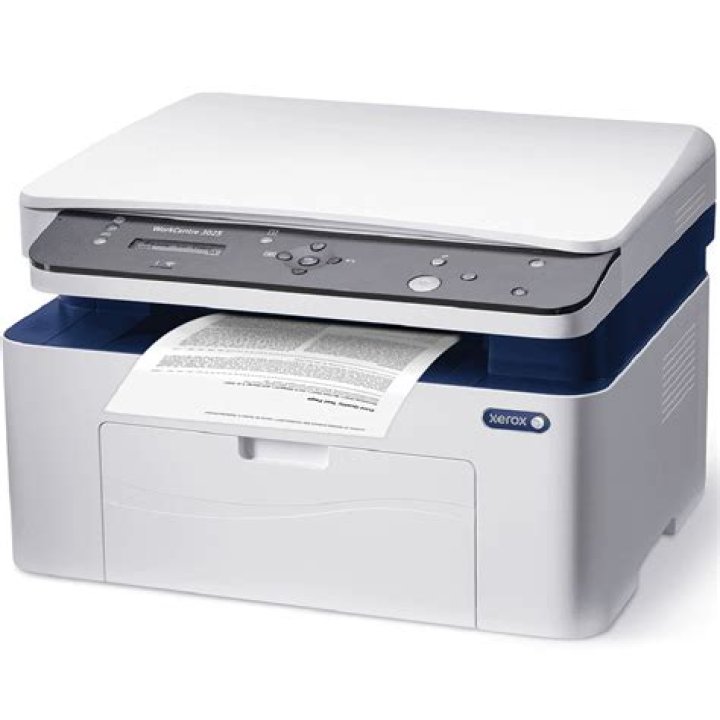
I read this question. Also I have Xerox Workcentre 3025 multifunction printer and Ubuntu 18.04.
I do the same steps to install this device. Printer works well, but scanner not.
When device is in standby I run gscan2pdf and device wakes up.
But if i try to scan, nothing happened and this .
$ lsusb
Bus 003 Device 003: ID 0924:42da Xerox
The contents of xerox_mfp.conf is
#Xerox WorkCentre 3025
usb 0x0924 0x42da
The file /lib/udev/rules.d/60-libsane.rules does not exists, but /lib/udev/rules.d/60-libsane1.rules exists.
I added
# Xerox WorkCentre 3025
ATTRS{idVendor}=="0924", ATTRS{idProduct}=="42da"
lines also.
What is wrong?
22 Answers
If you edit the file xerox_mfp.conf that sits inside /etc/sane.d with the command
gedit admin:///etc.sane.d/xerox_mfp.confwith
#Xerox WorkCentre 3025
usb 0x0924 0x42da
I wonder if that would help; do a reboot after you edit the file;
2The solution is here:
I did not ran:
sudo adduser $USER lp

