Wish based tools (git-gui, gitk) showing broken/black UI on macOS Monterey
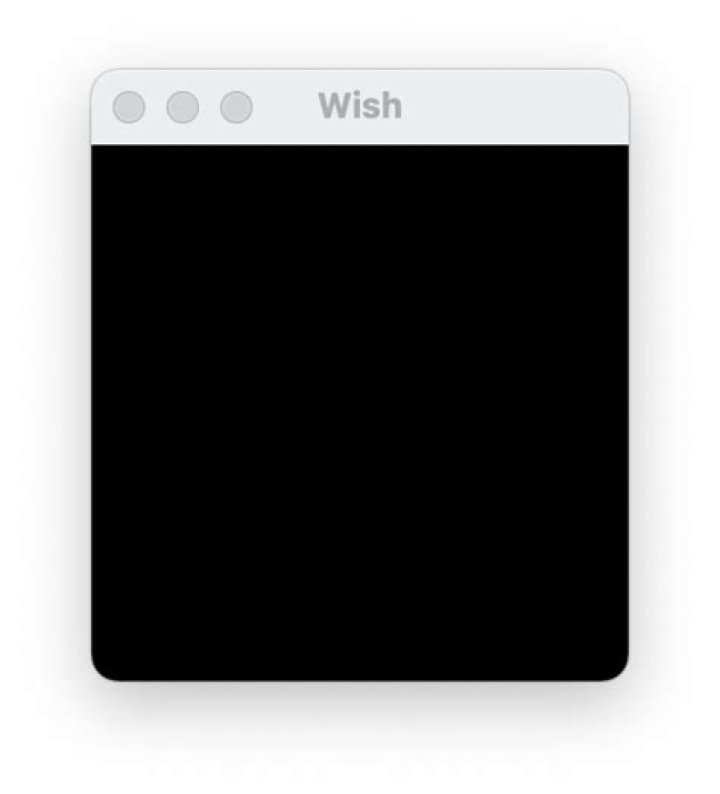
Wish based tools for instance git-gui and gitk are showing a black/broken screen after upgrading to macOS Monterey:
How can I fix this?
3 Answers
It seems that the Tcl/Tk version (8.5) shipped with macOS Monterey is broken.
A possible fix:
use the version shipped with Homebrew
Assuming Homebrew is already setup, do:
brew upgrade
brew install tcl-tk
Then setup a link to the new version of wish:
cd /usr/local/bin
ln -s ../Cellar/tcl-tk/8.6.12/bin/wish wish
Eventually replace 8.6.12 with the version exposed by:
brew info tcl-tkRestart your terminal and all wish-based utilities should work well!
2There is a link that brew is unable to manage correctly
ls -l /usr/bin/wish
lrwxr-xr-x 1 root wheel 7 Jan 22 08:42 /usr/bin/wish -> wish8.5
I have found this workaround
brew tap-new --no-git $USER/local-tap-git-2-32
brew extract --version=2.32 git $USER/local-tap-git-2-32
brew install git@2.32
/usr/local/opt/git@2.32/bin/git --version
brew link --overwrite git@2.32
brew tap-new --no-git $USER/local-tap-tcl-tk-8-6-10
brew extract --version=8.6.10 tcl-tk $USER/local-tap-tcl-tk-8-6-10
brew install tcl-tk@8.6.10
brew link --overwrite tcl-tk@8.6.10
And then run gitk with
/usr/local/opt/tcl-tk@8.6.10/bin/wish $(which gitk)As an supplement for existing Homebrew-based solutions, the below is the MacPorts-based one, just 2 steps needed:
Firstly check system information:
$ uname -v
Darwin Kernel Version 21.3.0
$ port -v
MacPorts 2.7.2
Step 1: Install XQuartz, since XOrg window system is not shipped by default on macOS 12(Monterey),
$ Xorg -version
X.Org X Server 1.20.11
X Protocol Version 11, Revision 0
...
Step 2: Install Tcl and Tk:
# Check if it is newer than 8.5
$ port info tcl
tcl @8.6.12 (lang)
...
$ port info tk@8.6.12
tk @8.6.12 (x11)
...
# Install
$ sudo port install tcl@8.6.12
...
$ sudo port install tk@8.6.12
...
# Check installation folder. (Might need to open a new Terminal)
$ ls -l $(which tclsh)
/opt/local/bin/tclsh -> tclsh8.6
$ ls -l $(which wish)
/opt/local/bin/wish -> wish8.6
Open wish window: (Here should be an non black/broken window)
$ wishDone.


