Wired network fails with DHCP, appears to work but does not with static IP
I have problems connecting with Ethernet to my network, with Ubuntu 18.04 (but also with Linux Mint 19) on my Desktop PC.
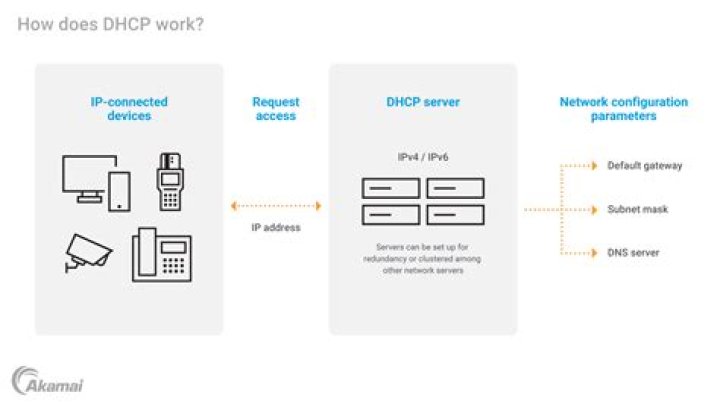
With DHCP connection, the operating system tries to connect but fails completely. If I set a static IP, NetworkManager shows me that the connection has been made but when I try to ping some device in the network I get no answer (also internet doesn't work).
As already mentioned, I have this problem with Ubuntu 18.04 (in dual boot with Windows 10 and also launching it directly from the installation's USB) and also with Linux Mint.
On the same PC, the problem is not present on the Windows 10 OS.
The network card is Intel Corporation Ethernet Connection I217-V
I tried different methods researched online but no luck so far.
31 Answer
At the end I found a solution.
As described in this link, the problem seems to be linked to the WoL (Wake on LAN) feature in Windows 10 side.
To solve the problem then I made the following step:
- In Windows 10, in Device Manager, update the drivers of the Network Card.
- Enter in the Properties of the Network Card -> Power Management: disable all the properties.
- Enter in the BIOS/UEFI of the PC.
- Search and change the properties as follows:
- PCI-Express Native Power Management - Disabled
- Intel Lan Controller - Enabled
- Intel PXE OPROM - Disabled
- Power-On by PCI-E - Disabled
- Apply the changes and restart the PC.
Now everything should work also on Ubuntu.


