(Windows Powershell) Remove multiple appx-package at once
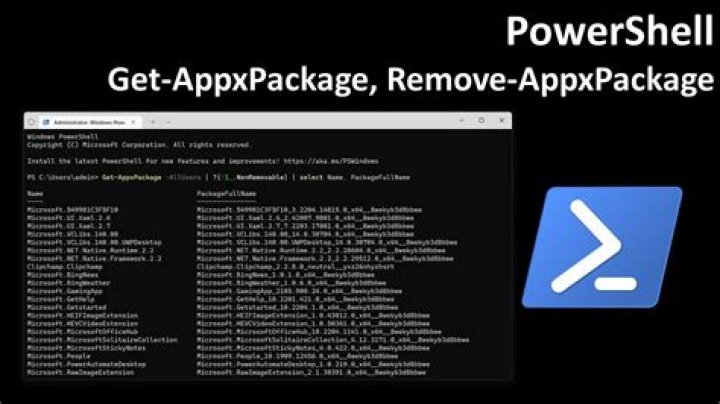
I'm trying to make a Powershell script to remove unwanted appx packages, for now I know that the basic commands to remove a package is Get-AppxPackage *PackageName* | Remove-AppxPackage
The first thing I thought of was
Get-AppxPackage *PackageName1* | Remove-AppxPackage
Get-AppxPackage *PackageName2* | Remove-AppxPackage
Get-AppxPackage *PackageName3* | Remove-AppxPackage
with one package per line, but, It's there a way to remove multiple appx packages at once? I mean, you can set several package names in the same line of the script and each one will be eliminated, e.g. Get-AppxPackage *PackageName1,PackageName2,PackageName3* | Remove-AppxPackage (I know it can't be done that way).
1 Answer
Getting every package and then removing it like the example you gave would work, but it would probably be easier to create an array with parts of the names of the packages you want to remove first. After you've created this array you can loop through it and remove every package. Here is an example of that:
$appnames = @('paint','store','sticky')
foreach ($appname in $appnames)
{ Get-AppxPackage | where-object {$_.name -match $appname} | Remove-AppPackage
}

