windows game bar unable to record
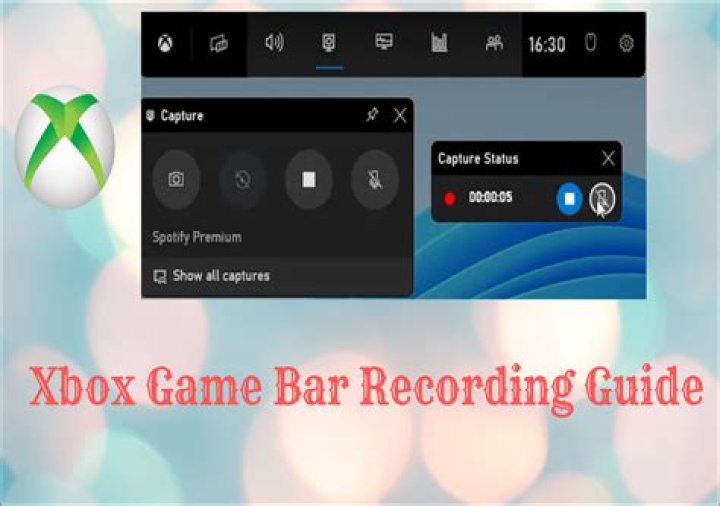
so my perfectly fine windows game bar was recording my game and suddenly just stops. . .
all it says is ' '(yep you guessed it, nothing at all. I'm totally in the dark). . .
when I press windows + G game bar opens fine but when I hover over the record icon all it says is that we can't record right now. please try later. I tried fixing it, resetting it and even re-installing it again but it didn't work. pleas help me guys.
I am on a lenovo G50-80 intel i3 5th gen; Windows 10 home. I have been all over the internet in search of this to no avail. I uninstalled game bar by this method the get-appxpackage remove appx package command. and I reinstalled game bar from Microsoft storeI searched all over google, but I could not find ANYTHING that solves my issue.
3 Answers
This is a list of known methods for fixing Game Bar problems. One of them might help in your case.
Verify Settings
Open Settings > Gaming > Xbox Game Bar and ensure that "Xbox Game Bar" is On.Add another recording shortcut
Run the Xbox app, click the Settings icon, go to the Game DVR tab, set the shortcut to Start/stop recording using any combination, click Save and close the Xbox app. Try the new shortcut to start/stop recording.Reset the Windows Store Cache
RunWSReset.exeand press OK.Reinstall Xbox
Start PowerShell with Run as Administrator, and enter the commandGet-AppxPackage *xboxapp* | Remove-AppxPackage. Reboot and download the Xbox app from the Windows Store.Upgrade Minecraft
The problem is sometimes reported with an old version of Minecraft. Even with the latest version, sometimes uninstalling and reinstalling helps.System Restore
If System Restore is enabled and this problem is recent enough, rollback Windows to a time that the Game Bar worked correctly.
Start > goto Xbox game bar > right click > more > click app settings.
In the app settings, you can see the options to terminate, repair and reset options.
It will work as intended if you repair and reset the app.
It’s possible that if you were selecting camera footage, your camera was off or the same with your mic. Also, if you had some other recording software going on at the time, that would do it.


