Windows 10: Quick Access Desktop
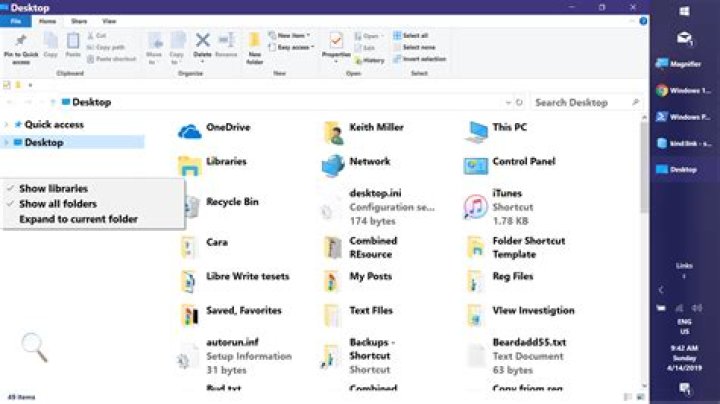
Quick acess's Desktop is only showing program icons. Is there a way to make it show everything? Like the Recycle Bin, etc.
It looks like this:
But it should look like this:
1 Answer
There doesn't seem to be a way. Even if you change Navigation Pane options to 'Show all folders' (so that 'Desktop' and 'Quick Access' are the only two root items), right-clicking Desktop & selecting 'Pin to Quick Access' pins a shortcut to the user's Desktop folder ()your first screenshot), not the root Desktop (your second screenshot). The quickest routes to the root Desktop are:
- Set Navigation Pane view options to 'Show all folders'. This lets you select the Desktop from the Navigation Pane:
- Click the '>' at the far left of the Address Bar and select 'Desktop' from the drop-list:
Create a shortcut with the following target:
C:\Windows\explorer.exe shell:desktop
Hope this helps,
Keith
2

