Windows 10 : Manually position and stretch wallpaper across unusual 3-monitor setup
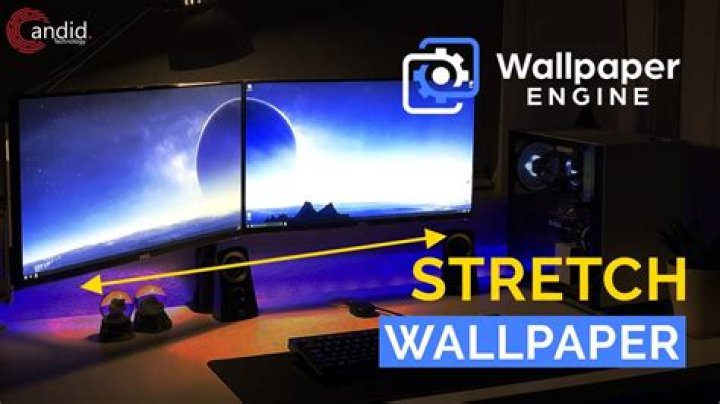
Windows 10 only offers a few options for positioning the background image, namely 'Fill', 'Fit', 'Stretch', 'Tile', 'Center', and 'Span'. But in the case of my image and my monitor setup (three of them, not all at the same relative height and of the same size), neither of those fit the bill. I want one small bit of it to be centered on the middle monitor, but the center of the middle monitor isn't the overall middle or center or barycenter of the overall combined "display surface" across all monitors.
Is there a way to achieve this ?
1 Reset to default

