wifi ssid not showing
I bought a new router(Netgear WNR614). And I am having some weird problems.
SSID is broadcasted and showing fine on all android phones. It is not showing on my laptop (Win 10). When I connect external wifi adapter, it is visible again. I have another external adapter which when when connected to my desktop (win 7) has same problem but when connected to laptop shows the SSID.
All other SSID are visible on all devices and adapters just fine. If I change my SSID it is visible fine for some time but once connected to it and disconnected SSID disappears again. Where could the problem be?
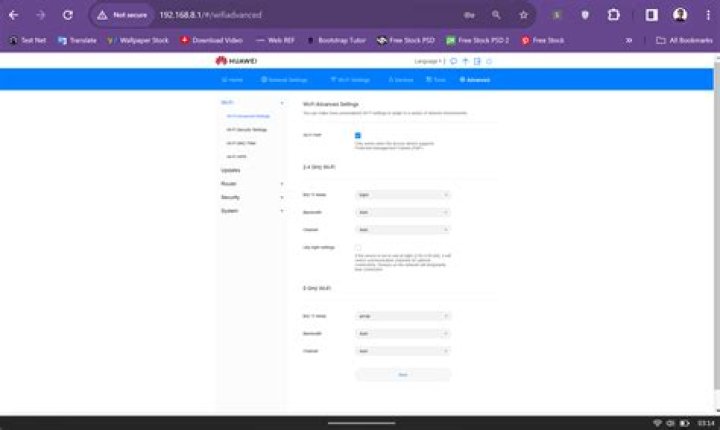
Router Config:
1 Answer
The connection speed of the wireless ethernet adapter in the laptop may exceed the speed of the router based on the mode:
IEEE 802.11b: 1, 2, 5.5, and 11Mbps
IEEE 802.11g: 6, 9, 12, 18, 24, 36, 48, and 54Mbps
IEEE 802.11n: from 6.5 to 150Mbps
IEEE 802.11ac: from 173Mbps to 1.3Gbps
In a mixed environment old and new devices, the router may stop broadcasting its SSID to devices requesting 150Mbps and higher connections, but continue to broadcast to devices requesting 54Mbps or lower connections.
References
Wireless Networking in the Developing World - Wikisource, the free online library
Wireless Technology Terms Glossary and Dictionary [S-Z]- Anritsu America


