wifi bridged to ethernet on a DIY router, not working
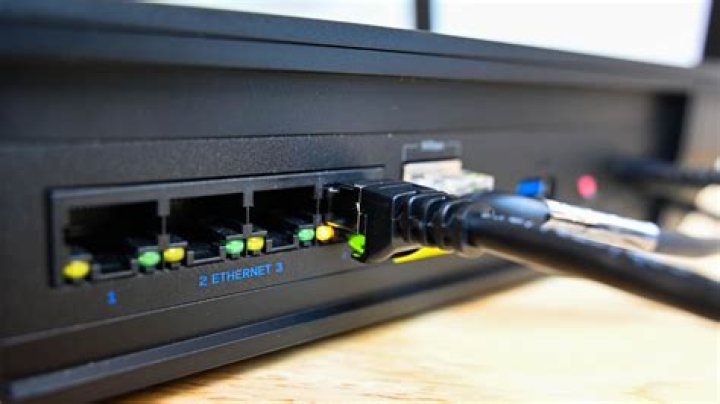
I have a mini PC with dual nic and wifi setup to act as a router
my setup:
WAN port (enp2s0) -> cable modem
LAN port (enp3s0) -> gig switch
LAN and wifi are bridged to create "br0" which has a static IP of 10.1.10.1 mask 255.255.255.0 bcast 10.1.10.255 net 10.1.10.0
and br0 is assigned as the main adapter for DHCP to listen on
my wired PC can connect to the internet no problem! works great. DHCP server on the box assigns all the settings correctly.
I try to use hostapd to launch the wifi (sudo hostapd /etc/hostapd/hostapd.conf)... it acts as if it's working (reports AP-ENABLED and I see the network on wireless devices) but I can't connect -- either with WPA encryption on or off.
basically the device connects/disconnects over and over. never getting an IP address.
here's my TCP dump for the wifi adapter (wlp1s0)
here's my /etc/hostapd/hostapd.conf
wifi device is "Intel Corporation Wireless 7260 (rev 73)" using iwlwifi
rfkill lists NO
tried killall wpa_supplicant
here's my dmesg dump after trying to launch the AP
1 Answer
seems it's just my phone, I just checked the dhcp clients list and my printer and chromecast seem to have zero problems. I just printed something over wifi.
one thing I will note, I made a minor change:
in /etc/network/interfaces I set the bridge (br0) to auto-start wifi and dhcp
iface br0 inet static post-up service hostapd start post-up service isc-dhcp-server restart address 10.1.10.1 netmask 255.255.255.0 broadcast 10.1.10.255 network 10.1.10.0 dns-nameservers 10.1.10.1 8.8.8.8 8.8.4.4 dns-domain 10.1.10.1 magi.andsat.org bridge-ports enp3s0 wlp1s0 post-up iptables-restore < /etc/iptables.up.rules

