Why would an HDMI cable show a black screen for 1080p?
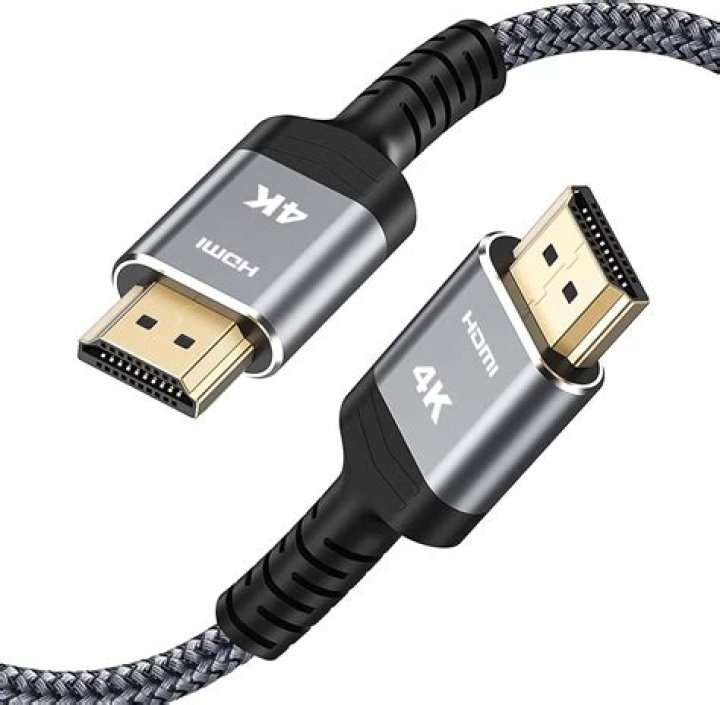
I recently installed a 30 foot HDMI cable through my ceiling for a projector set-up in my basement. Prior to installation, the cable worked with my Apple TV to my television. However, after installation the cable only presents a black screen when plugged into my Apple TV.
With a little investigation, I was able to plug my computer into the HDMI cable and got a clear picture when the resolution was set at 720p or 1080i. Setting my computer resolution to 1080p caused a flickering, snowy picture that was not readable.
The cable I purchased was rated for 3D, 4K and audio return so I felt I had purchased a quality cable. My assumption would be that during installation threading the cable through the ceiling may have damaged the cable? Yet it still provides a clear, consistent picture on the 720p and 1080i.
Any ideas to a solution? Or might I need a new cable? I don't want to struggle through the hassle of fishing a new cable through the ceiling if there is a simpler solution. Thanks.
41 Answer
it also happens what the TV doesn't support the HDMI and the Signal goes out of Range, you simply have to set up your TV on HDMI settings before you plug in the HDMI cable so you can avoid the Black Screen!
1

