Why rsync with jump host and sshpass not working
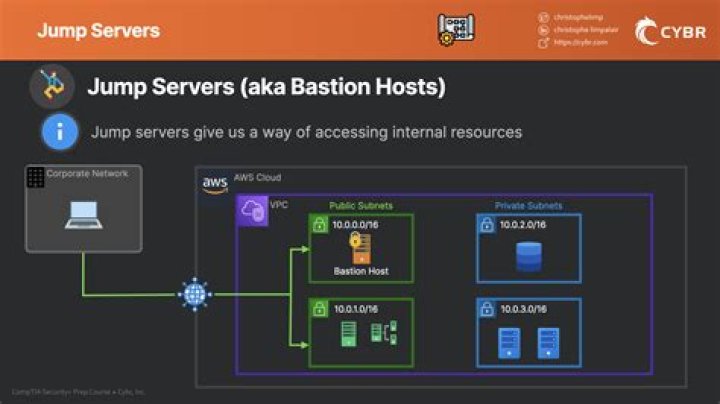
I'm trying to rsync with 'sshpass' and using jump host to transform a file.
The command I am using is -
rsync -azv -e 'sshpass -p passwordToTargetHost ssh -oProxyCommand="sshpass -p passwordToJumpHost user@JumpHost" user@TargetHost' :/path/to/target /path/to/originFile
But I am getting -
-bash: line 1: SSH-2.0-OpenSSH_7.6p1: command not found
Any help?
11 Answer
env SSHPASS="JUMP_PASSWORD" \
rsync -v -a \ -e "sshpass -d 123 ssh \ -o ProxyCommand=\"sshpass -e ssh -W %h:%p USER@JUMP_HOST\" USER@TARGET_HOST" \ :/remote/directory/ /local/directory/ \
123<<<TARGET_PASSWORD
This rsync+sshpass command will work.
sshpass -e obtains the password from env SSHPASS="JUMP_PASSWORD"
sshpass -d 123 obtains the password from 123<<<TARGET_PASSWORD
Since the ssh connection is defined in rsync -e, using the short form of :/remote/directory/ to reference the source directory on the remote target host is all that is necessary.
I posted a similar answer on StackExchange on how to use sshpass with ssh jump hosts in this answer:


