Why is my keyboard not working after login with HP laptop?
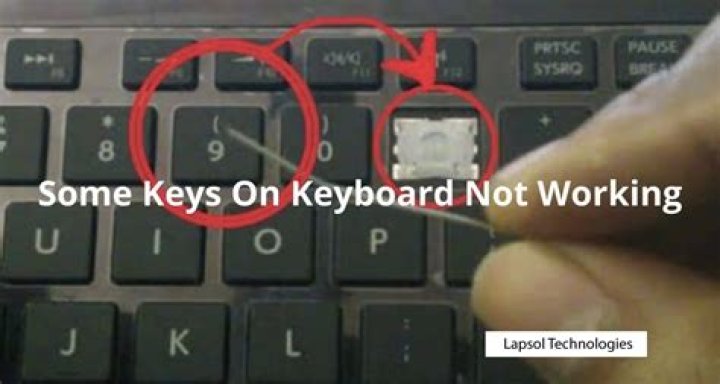
On my HP laptop, why can't I use my keyboard and my right click cursor or click to any icon?
It also happens to my taskbar. I cannot click it at all. It happened after I logged in my account. Before I login, I can use the keyboard and have tried to use ctrl + shift + Esc. But it does not do anything on my screen. If I click right it also does not do anything.
How can I solve it?
1 Answer
Try few steps recommended below.
Turn off the computer and then restart it.
Press the Esc key repeatedly to see if a startup menu opens.
If a setup menu does not open, the integrated keyboard hardware is not working. The integrated keyboard in the notebook should be serviced or replaced. To continue using the notebook, connect a USB-wired keyboard to a USB port and restart the computer.
If a setup menu opens, use the arrow keys to navigate the menus. If these keys are working in the startup menu, but then fail when Windows loads, the problems might be related to the keyboard software.
Restart the computer.
In Device Manager, uninstall and reinstall the keyboard software:
In Windows, search for and open Device Manager.
Click View and select Show Hidden Devices.
Click the arrow next to Keyboards, right-click the keyboard device name, then select Uninstall to remove the device from Windows.
Continue removing device names in the Keyboards category until all device names have been uninstalled.
Restart the notebook. Right-click Start (), select Shut down or sign out, then select Restart.
Wait for the computer to restart and open Windows.
Refer this article to further troubleshoot keyboard issues with your PC.
2

