Why I can't change "On startup" Chrome option?
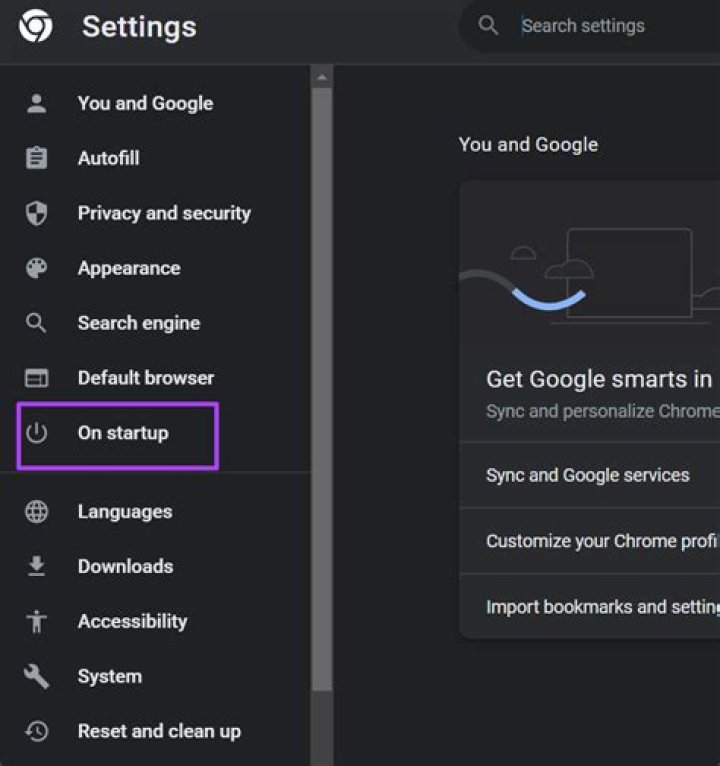
When I go to chrome://settings/ the options under On startup are disabled, like read-only options. How can I change these options?
4 Answers
Just remove whatever is under this Windows Registry Key HKEY_LOCAL_MACHINE\SOFTWARE\Policies\Google\Chrome.
Note: You can run Registry Editor typing regedit.exe in Windows Start box (Search programs and files)
Another way is to use regedit.exe and go to the \HKEY_LOCAL_MACHINE\SOFTWARE\Policies\Google\Chrome key.
Inside, change RestoreOnStartup to a 1.
- From PowerShell:
notepad $PROFILE.CurrentUserAllHosts- If notepad prompts you to create a new file, choose Yes.
- Add the following to the file and save it. Adjust the values as necessary to match your desired preferences.
function Fix-Chrome { try { # This may be superfluous del HKCU:\Software\Policies\Google\Chrome\Recommended\ -Recurse -ErrorAction Stop } catch [System.Management.Automation.ItemNotFoundException] {} Set-ItemProperty HKCU:\Software\Policies\Google\Chrome HomepageIsNewTabPage 1 Set-ItemProperty HKCU:\Software\Policies\Google\Chrome ShowHomeButton 0 Set-ItemProperty HKCU:\Software\Policies\Google\Chrome RestoreOnStartup 1 # Restore the last session
}- Whenever needed, run the following command at an elevated PS prompt and then relaunch Chrome:
Fix-ChromeTry:
- Download the **attached zip folder and extract the files.
- Open runPerkSearchChecker.
- Run the Reset Your Browser program.
Reference: Google foruns
3

