Which update from Windows Update Catalog
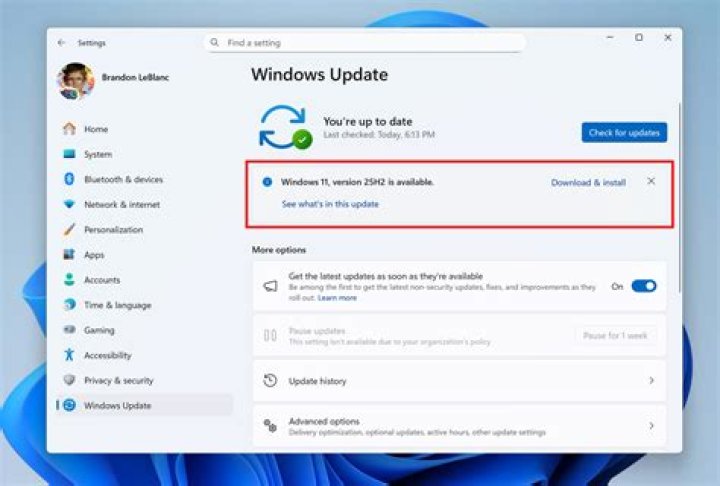
According to Settings >> System >> About I have currently:
- Windows 10 Pro
- Version: 1703
- OS Build: 15063.850
- System type:x64-based processor
Which of these updates do I have to install?Windows Update Catalog
I've tried to install all files classified as "Updates" but always get an error "The update is not applicable to your computer"
So what update do I have install to get the "Feature upgrade version 1709"?
11 Answer
So what update do I have install to get the "Feature upgrade version 1709"?
None of them
You cannot download the Windows 1709 Feature Update from the Windows Catalog website. If you want the update to Windows 10 Version 1709 you only have four options.
The first is download it through Windows Update.
The second is download the current 1709 ISO and install it from within Windows. You can do that by visiting this page.
The third is to use the Upgrade Assistant tool.
The fourth would be to use the Media Creation Tool
It is also available through Windows Server Update Services (WSUS) and Windows Update for Business
2

