Where is the Regedit user-settings file located?
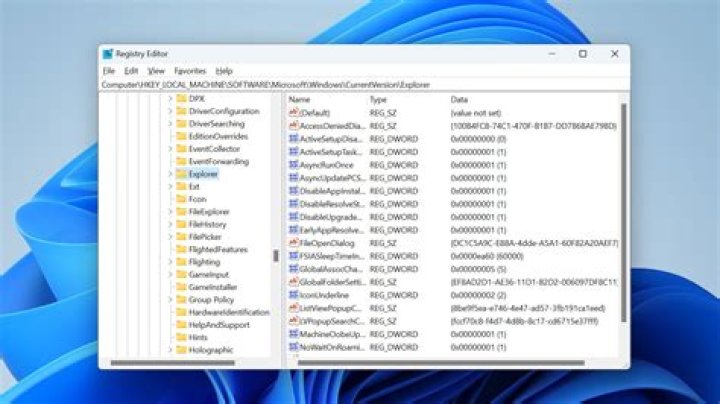
I want to make a backup of it.
For the favorites.
12 Answers
If you mean Favorites that you've added in Regedit itself, they can be found under:
HKEY_CURRENT_USER\Software\Microsoft\Windows\CurrentVersion\Applets\Regedit\Favorites
You can export the entire key and back up the .REG file.
The NTUSER.DAT file is in your user folder. In Windows 7 and Windows Vista, user folders are at C:\Users\USER_NAME.
You might not see it in explorer but it' there. It will be locked if you are logged on as the user you are trying to access, so you could use another user with administrative rights to save it.
Read more: What Is the NTUSER.DAT File? | eHow.com


