What is the shortest way to determine if one number is greater than, less than, or equal to another?
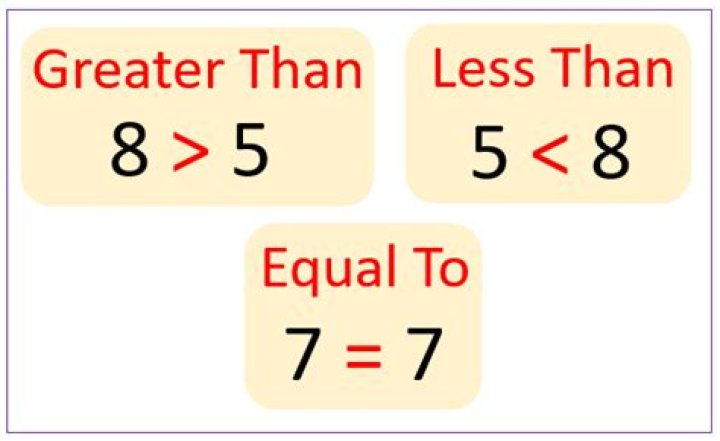
What is the shortest Excel worksheet formula to compare two numbers and determine whether one is greater than, less than, or equal two the other number?
I know how to do a simple comparison with the <,>,=, etc. operators and I know I can nest IF statements, but I've been trying to figure out if there is a shorter way, such as FUNCTION(X,Y) ==> 1 if <, 2 if >, 3 if =
Any ideas?
2 Answers
=sign(a1-b1)result is -1,0, or 1
1My approach is little different, I've logically tested data in both cells to get value, to justify the test.
Formula in Cell `C107:
=(A107>B107)*(A107*10)+(A107<=B107)*(A107*5)
N.B. :
Cell
A107will be multiplied by5if & whenA107is eitherEquals to Or LessthanB107.Otherwise, if cell
A107is Greater thanB107, then multiplied by10.
Adjust cell references in the formula as needed.


