What is ShotSlow in Touhou 7 : Perfect Cherry Blossom ver 1.00b?
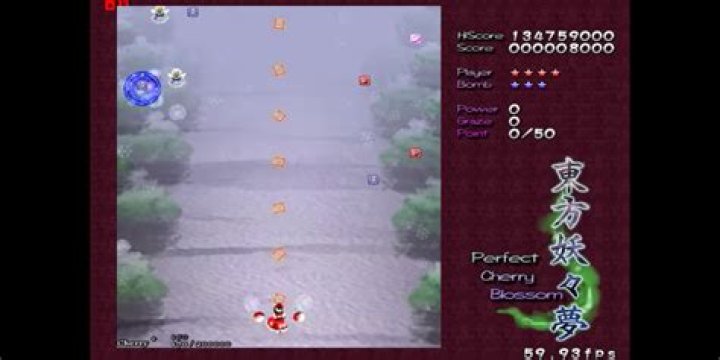
I found out recently that in Options --> KeyConfig of Touhou 7: Perfect Cherry Blossom, there is an option called ShotSlow. It turns out that I have it turned on and I wonder what does this option really do and if I should turn it off.
I saw people writing that it makes game easier and should be turned off if you are not casual player. But, if I try to fly any character through the screen, shooting or not, I don't really see any difference - if I wasn't told that character should slow down on firing, I would say there is no speed difference.
Description says "Move slower when holding down shot key", but I don't really see any difference. Is the difference in speed very small, hardly noticeable for new players? Or maybe, for some reason, it doesn't work for me?
42 Answers
Normally, you can move more slowly and precisely by pressing and holding the "Slow" button (the Shift key on keyboard).
Turning on ShotSlow will make you automatically move more slowly when you shoot. However, this option is only available for gamepads. It can make the game easier on the fingers in some cases.
1On the touhou wiki (), I found an information about the shotslow :
In the game options screen, there is a "Slow Mode" (Shotslow?) option. It causes the game to slow down when there are lots of bullets on the screen. This invalidates replays and high scores.
Also, the french version of that page () adds something interesting : you can still unlock good endings and extra stages with this option.
2

