What does "the following disks have mounted partitions" mean while installing Ubuntu?
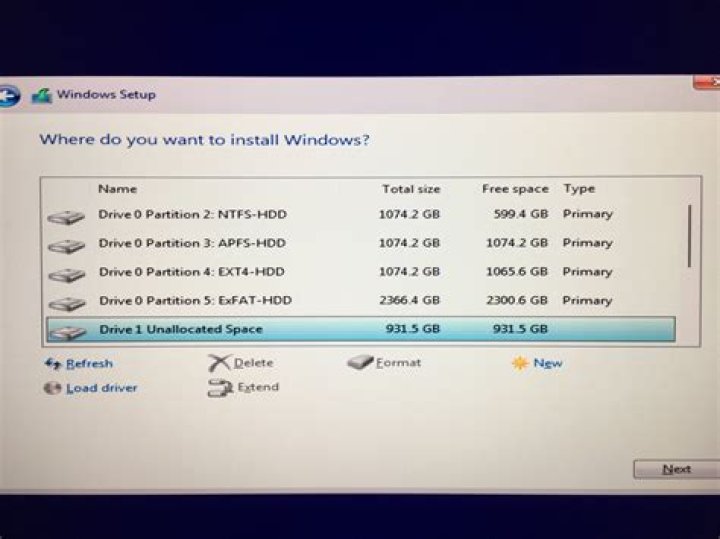
I am attempting to install Ubuntu on my machine since windows is messed up. I get this message and I am unsure how to proceed. I need some advice.
Message:
The installer has detected that the following disks have mounted partitions:
/dev/sda/
Do you want the installer to try and unmount the partitions on these disks
before continuing? If you leave them mounted, you will not be able to create,
delete, or resize partitions on these disks, but you may be able to install
to existing partitions there.
In layman terms what does that mean?
I do not want to mess up anything on the hard drive or the system by installing Ubuntu. What should I do?
11 Answer
"Mounting" means to make the disk or partition or data source accessible to the system. When you put a CD in the drive the operating system will mount that as a read-only data source with a drive letter assigned (in Windows, *nix OSes don't really use drive letters).
So what is happening is that the Ubuntu installer is seeing the partitions for windows mounted in such a way they cannot modify them.
You'll probably want to unmount the drive anyways regardless of what your end goal is.
You'll need to unmount the drive even if you want to keep your existing windows data and run the OSes side by side, or if you just want to save the data so you can access it. This will entail unmounting and then resizing the paritions so that you can make enough room to install Ubuntu.
3

