What's the differnce between "Set as Default Device" and "Set as Default Communications Device" in the Sound configuration in Windows 7?
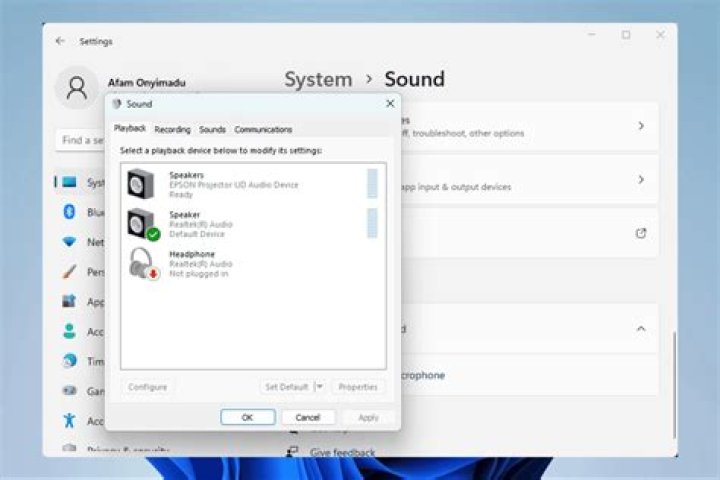
I noticed that there are two similar options in the "Sound" (Soundcard Configuration window->playback tab in the context menu) window in Windows 7.
What is the difference between these two options?
- "Set as Default Communications Device"
- "Set as Default Device"
1 Answer
There is a blog about it here.
Set as default device - All programs will have their audio played through this device (unless otherwise configured)
Set as default communications device - All calls/video call audio will be played through this device (unless otherwise configured)


