Wacom Intuos Comic CTH-490 not detected by system settings even after 'get drivers' installation
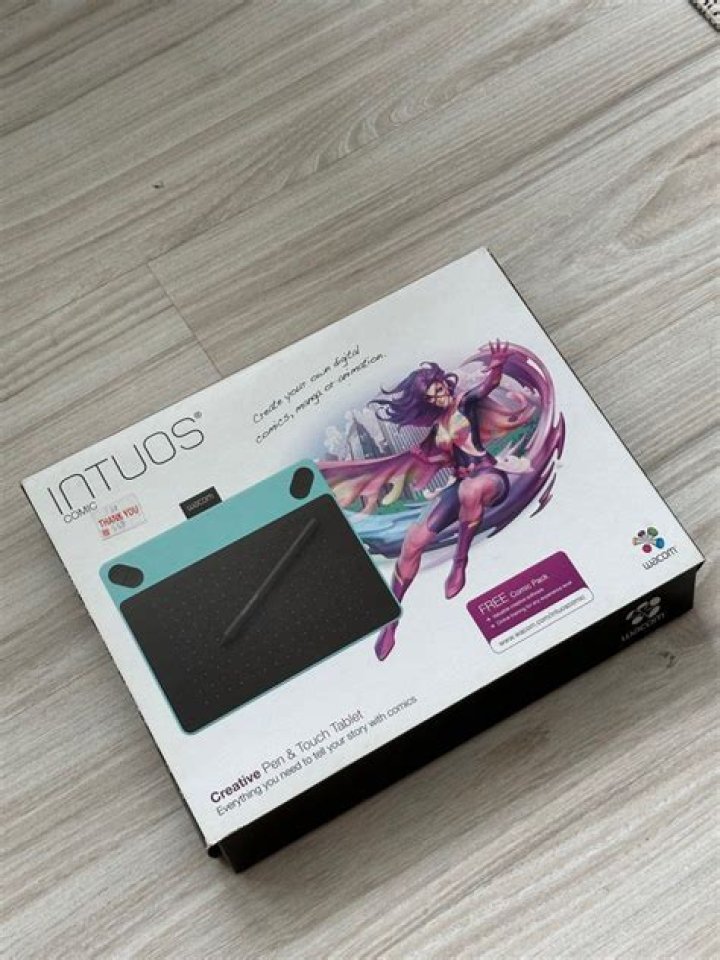
I've searched the internet for similiar answers and after going through them I still can't manage to get my Wacom Intuos to be detected in 'System Settings/Wacom Tablet'. I've followed the 'get drivers' page on wiki but no luck.
(after extracting compressed file, this is what I did):
cd xf86-input-wacom-0.30.0
./configure
make
make check
make install
make installcheck
depmod -a
Passed checks but my Intuos Comic still does not work...It works on Windows 7 but not my Ubuntu 14.04 TLS. Please help as I'm left totally confused.
Note: lsusb shows Bus 007 Device 005: ID 056a:033c Wacom Co., Ltd
uname -r shows 3.19.0-31-generic
1 Answer
The device requires a newer version of the wacom driver than was supplied in Ubuntu 14.04, 15.04 or 15.10. To get this device to work you will need the latest driver available from a ppa (package archive) where I have a build available for test:
Please follow the instructions there to get the tablet working. Don't forget to reboot and report any errors here.


