w3af does not start on Ubuntu 14.04
After installing w3af with
sudo apt-get install w3af
I'm greeted with the following error when I start w3af:
w3af
Additional information:
pybloomfiltermmap is a required dependency in *nix systems, in order to install it please run the following commands:
sudo apt-get install python2.6-dev
sudo easy_install pybloomfiltermmap
The first issue being that python2.6-dev is not packaged for Ubuntu 14.04, 2.7 is. The second being that the easy_install command results in the following error:
sudo easy_install pybloomfiltermmap
Searching for pybloomfiltermmap
Reading
Best match: pybloomfiltermmap 0.3.14.macosx-10.9-intel
Downloading
Processing pybloomfiltermmap-0.3.14.macosx-10.9-intel.tar.gz
error: Couldn't find a setup script in /tmp/easy_install-QQQW0T/pybloomfiltermmap-0.3.14.macosx-10.9-intel.tar.gz
3 Answers
One solution is to use pip instead of easy_install to install pybloomfiltermmap:
sudo pip install pybloomfiltermmapBut the real solution is to use the package avaliable in the Ubuntu repositories:
sudo apt-get install python-pybloomfiltermmapRelated bug on launchpad:
I also got this error i found a solution u need to install build-essential libssl-dev libffi-dev python-dev before installing pybloomfiltermmap
sudo apt-get install build-essential libssl-dev libffi-dev python-dev
pip install pybloomfiltermmap
I faced lot of issues while installing and running W3af on Ubuntu and the I've come up with the following steps that will help in easy installation.
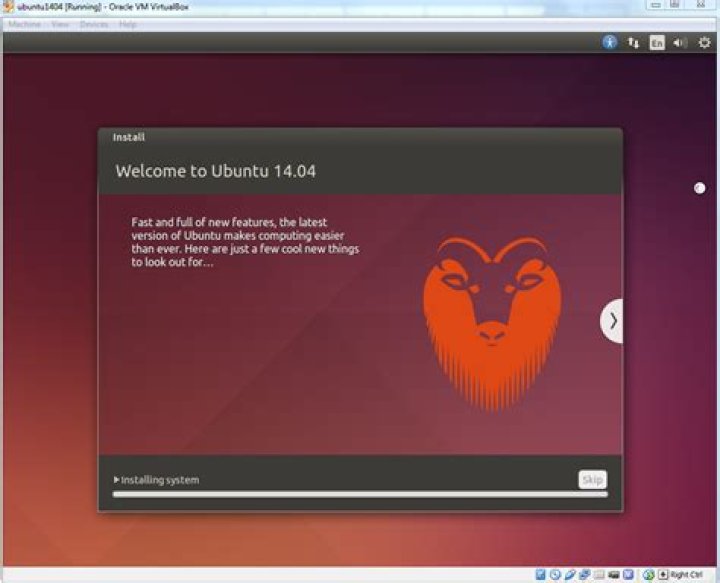
- Install Ubuntu 14.04.5 on VMware player or VirtualBox
- Follow the steps mentioned here :
- Note: the dependencies package should be installed of the same version as mentioned when the dependency is missing. Installing latest version might create error. Install the latest version (like new version of pip) only when it is required.
Note: if uninstall fails or is unable to connect to proxy or url, give proxy command::
–proxy=<proxy address>:<port number>Open terminal and enter the following commands
sudo -sH cd /opt apt-get update apt-get install git build-essential git clone apt-get install python2.7-dev python-setuptools python-pip (Or -> apt-get install python2.7-dev python-setuptools python-pip –proxy=<proxy address>:<port number> )run the following command
cd w3af/ ./w3af_console- You might be asked to upgrade to latest version of pip
- Check the version of pip by typing : pip –version
Download the latest version of pip ( tar.gz file)
Extract the file Go to terminal and go inside the pip folder Enter sudo –sH ( command for root) Enter : python setup.py install This will install latest version of pip (or download get-pip.py file and run this file in cmd)- Now enter the command : ./w3af_console
- Then we try to run the w3af_console command, which will most likely fail because of missing dependencies. This command will generate a helper script at " /tmp/w3af_dependency_install.sh " that when run will install all the required dependencies.
- Now check the file : w3af_dependency_install.sh for all the missing dependencies
- Copy those command and run them in terminal ( inside opt folder , with –proxy mentioned)
- Install the missing dependencies
- Write command : python ez_setup.py install. ( this is for installing the setup tools. Latest version )
- download vulndb – installation error.
- Inside vulndb folder. Open the setup.py file and change setuptools_git-1.1 to setuptools-git-1.1
- Install setuptools-git-1.1. give command: python setup.py install (inside the setup tools git folder)
- Now install vulndb. give cmd- python setup.py install ( inside vulndb folder)
- W3af is ready to run
- Now go inside w3af folder. Enter command : ./w3af_console.
- No missing dependencies will be there.
Other Command:
pip freeze | grep futures --this command will show the version of futures installed. Output of the above cmd: futures==2.1.5 Pip freeze -- this command will show all the list of dependencies installed with the specific version.- For running: ./w3af_gui , you might be missing a package or dependency. Install those and then run again.


