VNC Viewer: Invalid endpoint: port not correctly specified
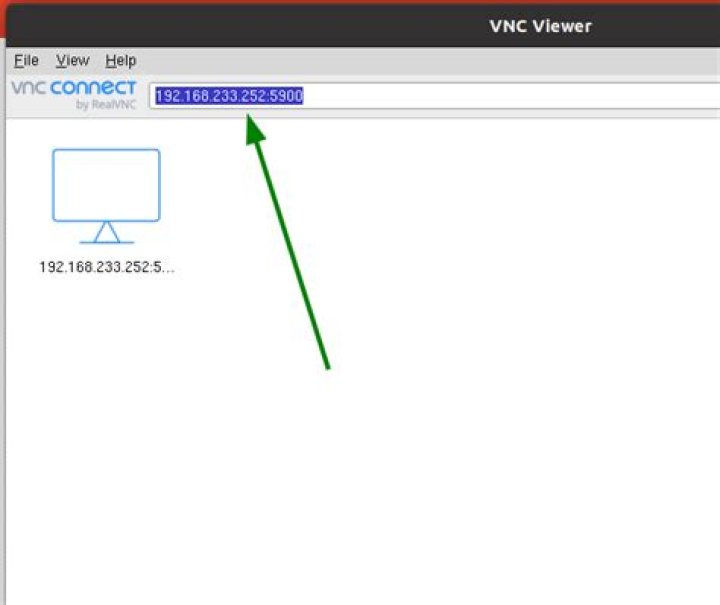
I have enabled Screen Sharing on my Ubuntu with the default settings (Ubuntu 18.04.4 LTS).
My Ubuntu tells me I have to use the address: vnc://ZABBIX.local
But when I try to connect with VNC Viewer I get the error Invalid endpoint: port not correctly specified. What do I wrong? I had used the default settings on my Ubuntu. Can a firewall cause this issue?
I had read that VINO is the default vnc server and that you don't have to install something else? But how can you configure VINO?
What can I do to further diagnose this problem?
11 Answer
Just had the same issue with VNC Viewer on macOS-Mojave. Surprisingly I found that dropping vnc:// made it work,
e.g. server:port
not vnc://server:port


