VLookup returns N/A even when specific cells compared evaluate to "TRUE"
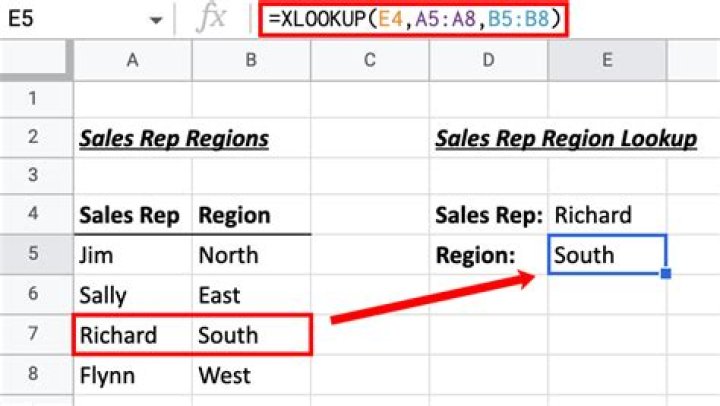
In a spreadsheet I'm currently working on in Excel 2016, when I enter the formula:
VLOOKUP(F1,K1:N190,4)I get an N/A error. I'm looking for the value in F1 in the K column, and want to return a value from the N column.
Obviously N/A returns when there is no match, and sometimes this can have to do with formatting or white space or whatever, but when I check specific cells that I know to be equal like this:
(F1=K152)The formula returns TRUE. This means that there is definitely a logical match between F1 and K152, which means that doing a VLOOKUP of the F1 value in the K1:N190 (or K1:K190) array should return SOMETHING.
What am I missing? What should I be troubleshooting?
Unfortunately I can't post the contents of the spreadsheet because it contains personal information. I've been working on this for HOURS and probably could have accomplished this task manually by now.
61 Answer
By default, VLOOKUP assumes that your data is sorted (on the value in the first column) and will search for the closest match. If it is not sorted, specify FALSE as the 4th argument and it will search for an exact match. E.g.
=VLOOKUP(F1,K1:N190,4,FALSE)

