VirtualBox: Ubuntu guest-OS is sluggish on Mac host-OS, why?
I have created a VM using VirtualBox v:6.0 that is running on top of a macOS Mojava v:10.14.6. The specs of the VM are as follow:
- Guest-OS:
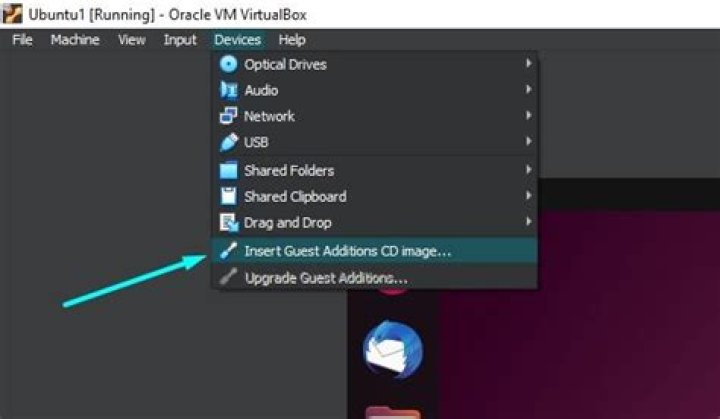
Ubuntu 16.04 8 GBmemory (half of the RAM)80 GBstorage (I have penalty)4 CPUsfor processors (out of 8)64 MB video memory(out of 128)VMSVGAgraphic controller3D Accelerationis EnabledGuess Additional CD imageis installed- Disabled animations
- Removed unnecessary applications.
Yet, the VM is very sluggish, slow and isn't responsive as it should be.
what should I do ?
52 Answers
Are you using retina mac? If so, check out following:
Using second monitor for VM definitely will improve performance. Another workaround could be using remote connection to VM. I installed XRDP on Ubuntu VM on my MBP and using RDP client for access, no issues with performance.
Please check following thread There is another suggestion to use tool for Mac to use additional range of screen resolution, so your VM instance can run smooth on retina display
This answer was originally posted as a comment to the question by You'reAGitForNotUsingGit.
According to the forum thread VirtualBox runs slow on MacBook Pro 2018 (screen refreshes slow), reverting to VirtualBox 5.2 or disabling HiDPI for the MBP retina display fixes the issue. Also though, running a 3D (Unity) DE in a VM probably contributes. I bet using LXDE/XFCE would help too.


