Viewing Windows Firewall settings from the command line and a GUI
Is it possible to view Windows firewall settings from the command line?
In addition how can I check the advanced Windows Firewall settings in a GUI?
3 Answers
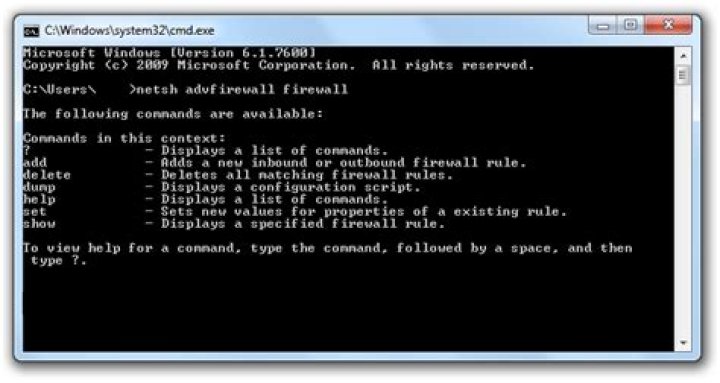
To view the Windows Firewall settings from the command line, type:
netsh advfirewall firewallThis will open a menu with different settings, including advanced settings (like setting rules).
More information about Netsh AdvFirewall Firewall Commands (Windows Server online library).
powershell (windows 10):
get-netfirewallrule -all
get-netfirewallrule -policystore configurableservicestore -all
Not sure how to see the rules whose names start with "@" in the gui. Netsh can't view alternate policystores, or view firewall rules by owner like powershell can.
0There's usually a shortcut somewhere in the Admin/System Tools folder of your Start Menu that will access Windows Firewall with the Advanced Security GUI.
Alternatively you can type wf.msc in an administrative Command Prompt.
The command netsh advfirewall (or netsh firewall in Windows XP) will let you view/work with firewall settings at the command line.


