Use tellraw to display a player death message about the player who died [closed]
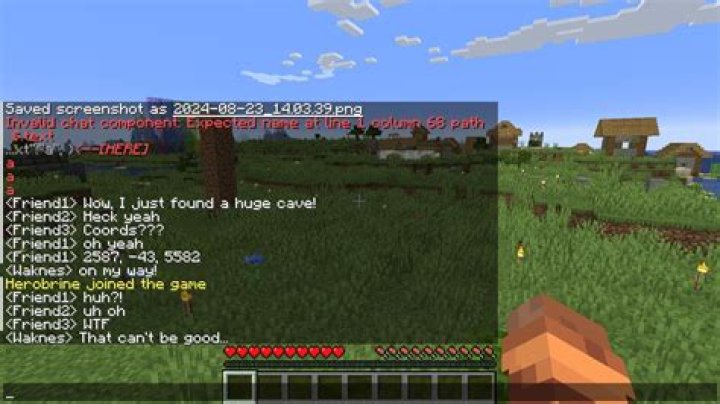
Basically, whenever someone dies, I say in chat:
/tellraw @a {"text":"","color":"aqua","extra":[{"selector":"@p"},{"text":" has finally died"}]}
The above command tells me whoever was closer to the command block when it was activated died. I currently have a scoreboard that tracks the deaths:
/scoreboard players set @a hasDied 0
And then removes them after the death message appears.
So I want to make something that basically looks like this:
/tellraw @a {"text":"","color":"aqua","extra":[{"selector":"@p[score_hasDied_min=1]"},{"text":" has finally died"}]}
How do I get the @p[score_hasDied_min=1] to work inside the tellraw command, or something similar?
(This is Minecraft v. 1.12.2)
51 Answer
This worked for me, just follow my steps:
First make the scoreboard:
/scoreboard objectives add hadDied deathCountPlace this in a repeating command block that is always active and is facin up with unconditional:
/testfor @a[score_hasDied_min=1]Place this in a chain command block with always active, condentional and facing up and place it over the repeating one:
/tellraw @a {"text":"","color":"aqua","extra":[{"selector":"@a[score_hasDied_min=1]"},{"text":" has finally died"}]}Place this chain command block over the last chain command block with the same configurations (always active, condentional and facing up):
/scoreboard players reset @a[score_hasDied_min=1] hasDiedAnd then it should work!
I have tried it online with my friends and it worked so hope it does for you to.
This is how they should look like


