Use netcat to listen on a port and send output from a command when a client connects
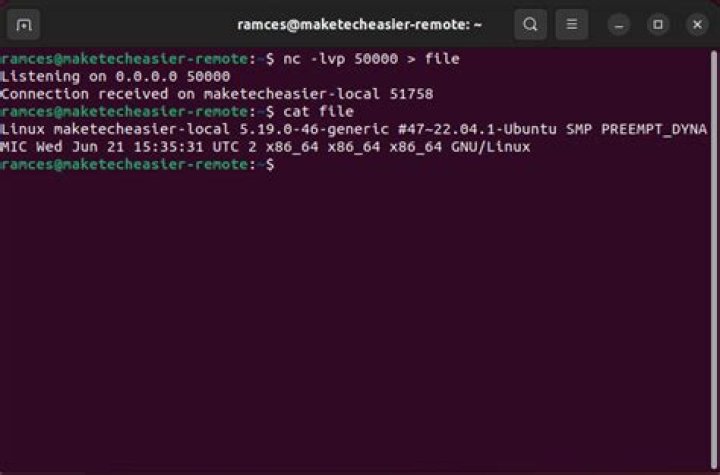
I have a Raspberry Pi (Debian Linux) connected to my LAN that can read data from some connected devices and output it to STDOUT.
Let's say the program is run on "Server" and I want to serve the output of the script /usr/bin/data to port 1234.
I want any client to pull the output of that script by connecting to that port, using something like
nc Server 1234 > ServerData.txt
I want the server to stay alive, run the script for each connection, serve the data and then close the connection to the client. Server needs stay alive and wait for the next connection.
What is the netcat command to run on Server???
01 Answer
One of the more advanced versions of netcat will be required. You can use ncat or socat:
Server Side
When client connects, execute the executable program /usr/bin/data and send program output to client.
NCAT Method:
$ ncat -l 1234 -c '/usr/bin/data' --keep-openSOCAT Method
$ socat -U TCP-LISTEN:5403,fork EXEC:'/usr/bin/data',stderr,pty,echo=0Client Side:
Connect to the server, and receive output from server.
NCAT Method to File
$ ncat Server 1234 | tee ServerData.txtNC (netcat) Method to stdout
$ </dev/null nc <Server.ip> 5403 > /dev/stdoutto save to a file replace /dev/stdout with a file name
WGET Method to File
$ wget -q <Server.ip>:5403 -O myfile.txtto print results replace myfile.txt with /dev/stdout
3

