Use mkvtoolnix to split video file such that each file in same duration?
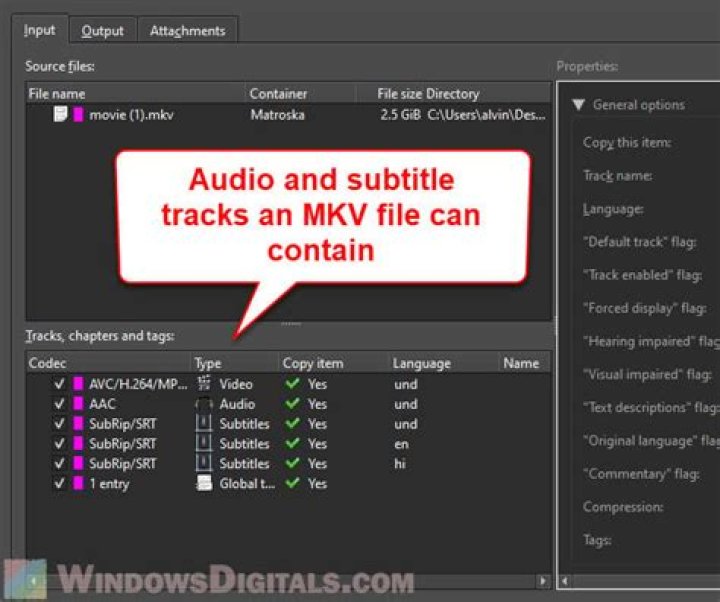
I search and find the way of using mkvtoolnox to split video file such that each file has same size at here, but not find the way such that each file has a same duration (like 10 minutes). Is there any way? My question is about mkvtoolnox, not about using another tools. I searched, and find some other ways with ffmpeg:
01 Answer
This can be done quite easily with mkvmerge using a simple variation of the --split option:
mkvmerge --split duration:00:10:00.000 input_file.mkv -o split.mkvThis unadorned command line (other much more complex options are available for --split) will produce an out file naming pattern of split-001.mkv, split-002.mkv, split-003.mkv etc.
The full man page entry for time / duration splitting with mkvmerge is as follows:
2. Splitting after a duration. Syntax: --split [duration:]HH:MM:SS.nnnnnnnnn|ds Examples: --split duration:00:60:00.000 or --split 3600s The parameter must either have the form HH:MM:SS.nnnnnnnnn for specifying the duration in up to nano-second precision or be a number d followed by the letter 's' for the duration in seconds. HH is the number of hours, MM the number of minutes, SS the number of seconds and nnnnnnnnn the number of nanoseconds. Both the number of hours and the number of nanoseconds can be omitted. There can be up to nine digits after the decimal point. After the duration of the contents in the current output has reached this limit a new output file will be started.How cool is the command line :)


