Use crontab to restart an Upstart service on schedule?
I need to restart shiny-server (Upstart service) on Ubuntu 12.04 on a routine schedule.
Typically, if I want to restart this service manually, I simply type: sudo restart shiny-server or service shiny-server restart (as root). As I understand, this is similar to something like sudo restart mysql.
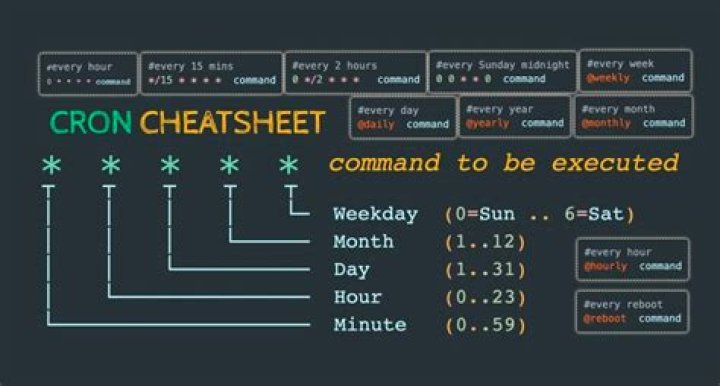
To schedule the restart, I tried the following entries in my root user's crontab:
0 6 * * * restart shiny-server 0 6 * * * service shiny-server restart 0 6 * * * bash /home/local/ANT/raybao/dev/script.shWhere the last line of script.sh is service shiny-server restart.
None of the above actually works!
So I'm pretty stumped/confused. What am I missing? Thanks!!
More info for shiny-server here:
1 Answer
You're on the correct path adding this to the root user's cron.
Full system paths
When using cron, you want to be sure to use full system paths for commands and files. You can use the which command to find out where restart is located: which restart. For me, it shows /sbin/restart.
So, using this information, the cron would look as follows:
0 6 * * * /sbin/restart shiny-serverwhich would restart the server at 6:00AM system-time.
Output to /dev/null
When cron runs, it will e-mail any output to the user who is running the cron jobs. If you don't want this, which you probably don't, the command you'd run would look like this:
0 6 * * * /sbin/restart shiny-server > /dev/null 2>&1This will output both stdout and stderr to /dev/null, instead of being read by cron.
Edit
I originally misunderstood and thought that this service was runing using init, when it is in fact using upstart. The moral of the story remains use full system paths when using cron.


