Use command prompt to change date and time
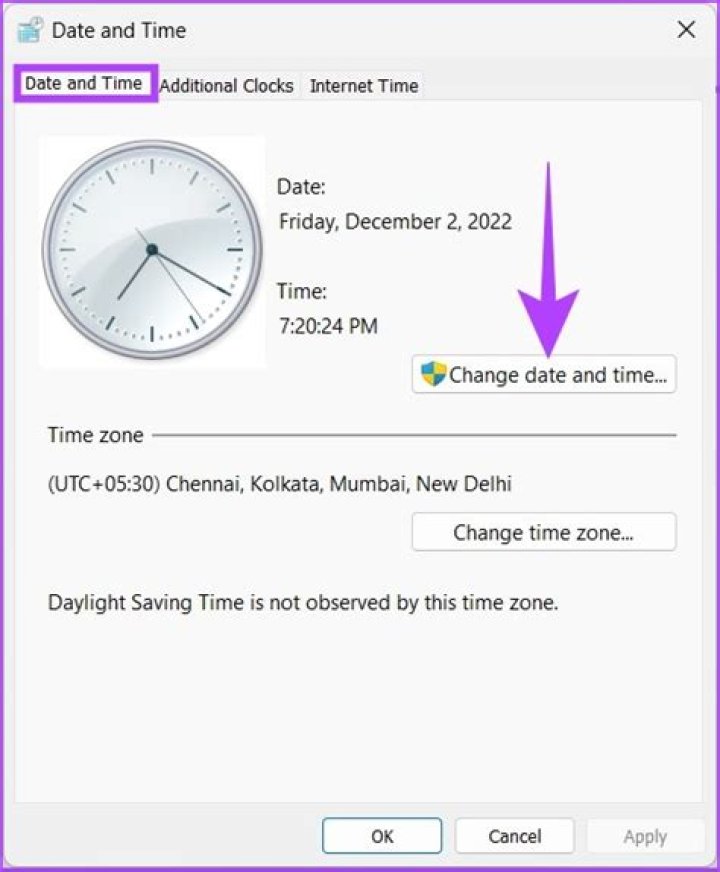
Recently I worked a lot with the command prompt. Now I want to know if it is possible to change the date and time of the system (Windows 10), only with the command prompt and how I can do it.
22 Answers
Open a command prompt window. I don't think it requires administrative privileges, but if it says Access Denied after you attempt to change the date/time, close the window and reopen with administrative privileges.
With the command prompt open, type date and press enter. It asks you to enter a new date. Do so and press enter again.
Now type time and press enter. It asks you to enter a new time.
If at either of these prompts, you press enter without entering a new date/time, the date/time will not be changed.
Step 1: Identify the date format
Check the date format before you update, by typing the following in cmd prompt
dateIn the output, you will see the date along with option to enter new date which shows the format as follows:
The current date is: Sat 07/31/2021
Enter the new date: (mm-dd-yy)
Step 2: Update Date
Now, it is evident that my pc has mm-dd-yy so in order to update date, you can put the following or the format that matches the date format on your PC, in a batch file or run via cmd prompt to set to date having format mm/dd/yyyy
date 04/14/2020

