USB MIDI keyboard Akai LPK, jackd
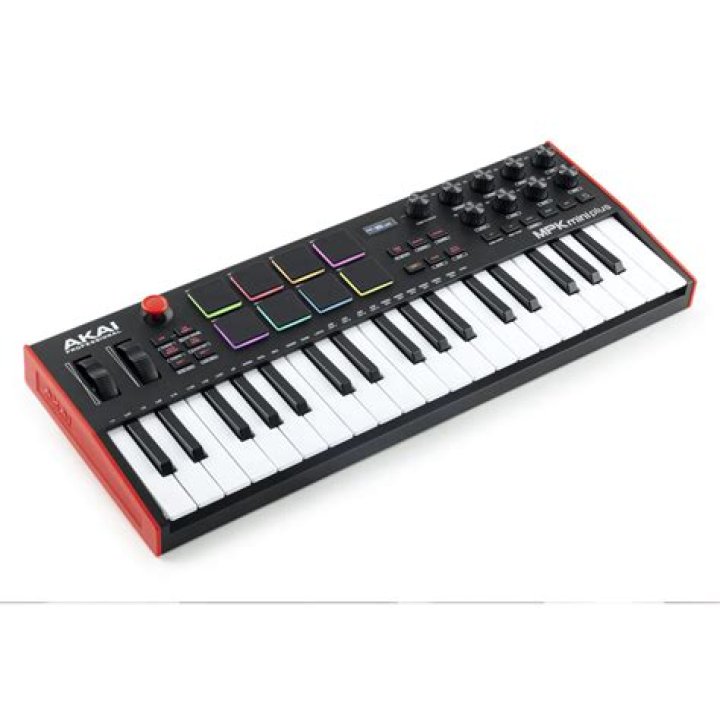
I got Akai LPK25 and I am trying to make it working on my Ubuntu. I tried to follow a tutorial , but when I run
zynjacku &I get errors
Cannot connect to server socket err = No such file or directory
Cannot connect to server request channel
jack server is not running or cannot be started
Failed to connect to JACK.
Failed to initialize zynjacku engine`
I figured I may need to run the jackd server first so I installed it and ran
jackd -sRp 70 -d alsa -d hw:1 -r 44100 -H -z s but I still can't make zynjacku running and get
flex scanner jammedIf I run zynaddsubfx and aconnectgui I manage to get signal from the keyboard (the indicator at the bottom gets blue) but I can't hear anythnig.
I tried to manually send some signal to jackd by ecasound and it reaches the jackd server but again I can't hear any sound.
I have totally no experience with jackd so that's why my trials are that random. Thanks in advance for your help.
If I run jackd -sRp 70 -d alsa -d hw:1 -r 44100 -H -z s, I get
no message buffer overruns
JACK server starting in realtime mode with priority 10
audio_reservation_init
Acquire audio card Audio0
creating alsa driver ... hw:0|hw:0|1024|2|44100|0|0|hwmon|swmeter|-|32bit
Failed to open server1 Answer
As CL suggested, I asked on jack-devel mailing ( ). The problem is that the zynjack is outdated. Morever, for connecting aconnectgui is not necessary.
Let me cite Jeremy from the mailing list:
This is what I would do to get things going:
- Connect your LPK25 Install necessary software: apt-get install jackd qjackctl zynaddsubfx
- Start QjackCtl and set it up for your soundcard, some googling should get you started
- Start ZynAddSubFX and make the connections in the Audio tab from the Zyn output ports to your playback ports.
- Do the same for MIDI, connect your LPK25 output to the Zyn input in the ALSA tab of the QjackCTL Connections window.


