Update from Windows Feature Experience Pack 1000.22000.194.0 (Windows 11 insider version) to Windows 11 stable
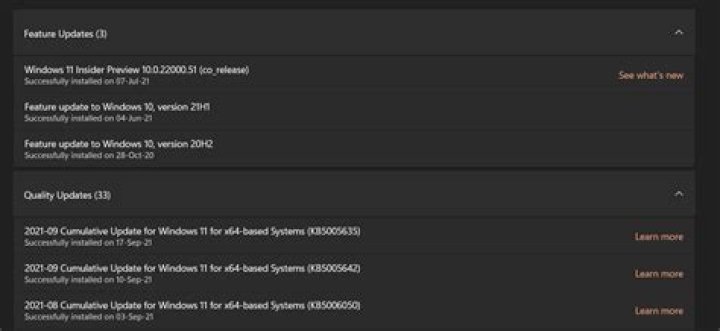
I am using Windows Feature Experience Pack 1000.22000.194.0 now.
Edition Windows 11 Pro
Version 21H2
Installed on 07-Jul-21
OS build 22000.194
Experience Windows Feature Experience Pack 1000.22000.194.0I want to upgrade it to Windows 11 stable but not getting the option. I have downloaded Windows11InstallationAssistant to upgrade it to windows 11 stable version but the app is closing when I open it. How can I upgrade to Windows 11 stable version without losing data and installed software?
1 Answer
I want to upgrade it to Windows 11 stable but not getting the option. I have downloaded Windows11InstallationAssistant to upgrade it to windows 11 stable version but the app is closing when I open it.
You are already on the current stable build.
How can I upgrade to Windows 11 stable version without losing data and installed software?
If opting out of Insider Preview is not allowing you to leave the Release Preview channel then a clean install is your only solution.
The current version as of October 5th 2021 is 22000.194 according to this. If you question, if you will only receive stable builds, you can download the current Windows 11 ISO and perform an in-place repair install of Windows 11. You will want to unenroll before you perform that in-place upgrade.
1


