UFW or IPTables on Ubuntu for OpenVPN?
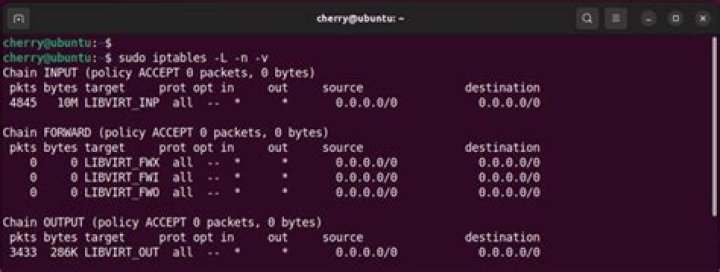
I'm kind of a newbie in networking and Linux, and I always get confused over whether I should use UFW or IP Tables when restricting my internet connection to only use VPN. Looking around, I find there are people who say ip tables are better and people who say UFW is enough.
I found this on the web:
ufw enable
ufw default reject outgoing
ufw allow out 53/udp ## comment this line if your VPN routes DNS through tunnel
ufw allow out 1194/udp
ufw allow out on tun0
Also, I found some scripts out there to set up ip tables in a more complex way that I'm still trying to understand.
What do you guys recommend: Use ip tables or simply use UFW to kill my internet in case my vpn connection drops?
Thanks in advance!
1 Answer
Iptables used to be how network was managed but as you might have observed it is messy to write and even more complicated to learn. UFW is an alternative to iptables and firewallD front-end network traffic controller applications.
For a newbie you will find ufw more easy to manage and use, and is Ubuntu's alternative to firewallD used by RHEL and it's derivatives. Iptables still lies underneath ufw but now you write these [iptable] rules using ufw. Also of note is the fact that firewallD lacks rate limiting feature found in ufw.
The Uncomplicated Firewall (ufw) is a front-end for iptables and is particularly well-suited for host-based firewalls. ufw provides a framework for managing netfilter, as well as a command-line interface for manipulating the firewall. ufw aims to provide an easy to use interface for people unfamiliar with firewall concepts, while at the same time simplifies complicated iptables commands to help an administrator who knows what he or she is doing. ufw is an upstream for other distributions and graphical front-ends.
Put simply ufw is meant to remove all the complications that we see in iptable use and maintenance. Stick with ufw it still what it's designed for.
In Ubuntu the configurations of ufw can be found in /etc/ufw and default configurations in /etc/default/ufw file. Looking in the /etc/ufw directory you will see the following files and folders:
after6.rules after.init after.rules applications.d/
before6.rules before.init before.rules sysctl.conf
ufw.conf user6.rules user.rules
You can add iptablelike rules in there too:
# allow all on eth0
-A ufw-before-input -i eth0 -j ACCEPT
-A ufw-before-output -o eth0 -j ACCEPT
A quick sudo cat /etc/ufw/user.rules will show you iptablelike rule sets stored from command line entries.
Resources:
2

