Ubuntu Server: How scroll through the terminal/screen by page and line? [VirtualBox]
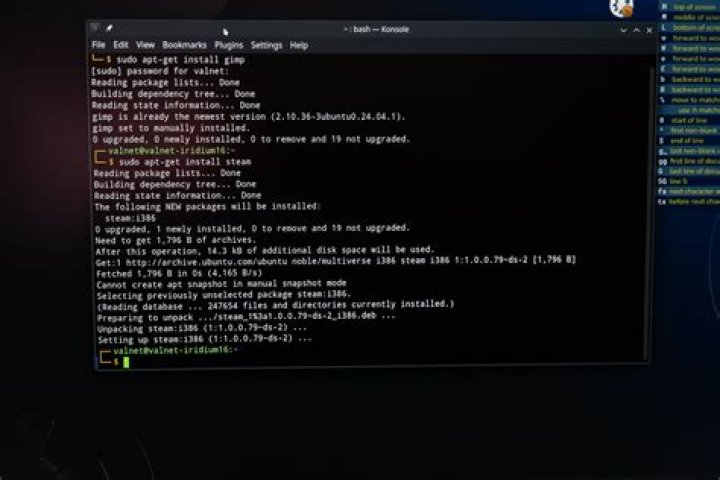
Having VirtualBox with
- Hosts: Mac and Windows 10
- Guest: Ubuntu Desktop && Server (18.04) and Desktop (20.04)
In the Terminal when the screen is filled about content shown through the output after the use of many commands - I need sometimes go up and go down - I did do a research and have the following that works
Desktop The Terminal is opened of course
Mac:
shift+Fn+pgUp|Down(by page)shift+control+Up|Down(by line)
Windows:
shift+pgUp|Down(by page)shift+Ctrl+Up|Down(by line)
Server (direct and unique interaction with the terminal/screen itself)
The commands shown above do not work. Nothing happens for the up|pgUp scenarios and ~ appears for the down|pgDown scenarios
How accomplished the same goal for Ubuntu Server?
1 Reset to default

