Ubuntu is using QWERTY keyboard shortcuts instead of Dvorak
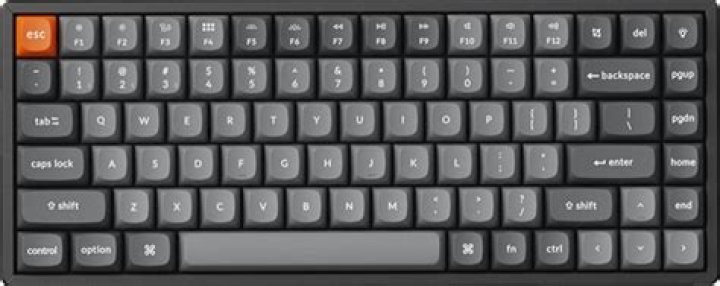
I type in Dvorak and today I updated from Ubuntu 18 to 21. Now, when I try to copy, cut or paste text in programs like Sublime Text or the terminal, I can only do so by using Qwerty shortcuts. This is no good as I'm used to Dvorak shortcuts.
So if I want to copy, I'd normally press Ctrl I. But now I have to press Ctrl C.
I think it's a new feature of Ubuntu 20 or something. They must have decided that people who use Dvorak prefer to use the original Qwerty keyboard shortcuts which are conveniently positioned (e.g. Ctrl: C-Copy, V-Paste).
But I don't find it convenient. So how do I get the Dvorak keyboard shortcuts back?
11 Answer
I found that the problem doesn't happen with the English (Dvorak, alt, intl.) keyboard layout. So I guess I'll use this instead of English (Dvorak).


