ubuntu doesnot diplay the login screen when "join display" is select and there is only one monitor
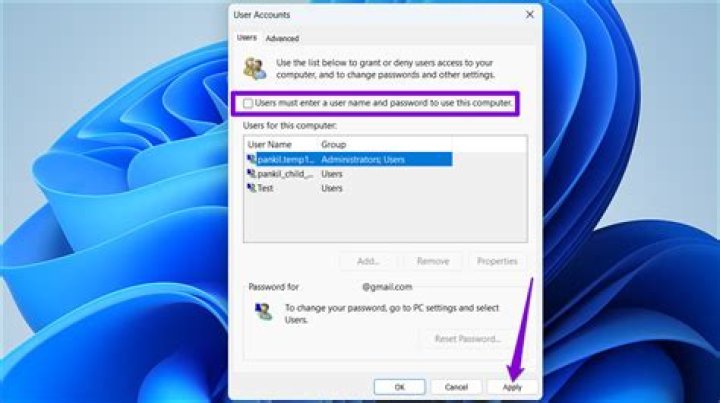
I spent a night to debug why the login screen is not showing up. I was able to blindly type in my password to login to a colored background but empty screen.
The problem persisted after I upgraded the system from 18.04 to 20.04.
When the screen wakes up from an idle state, the login GUI does show up and everything was normal.
one problem I have found was that display setting was configured to "join display" even though I had only one monitor. After setting it to "single display", I can now see the desktop icons.
But after rebooting, I still don't see the login-screen.
Reset to default

