Ubuntu doesn't read SD Card after wake
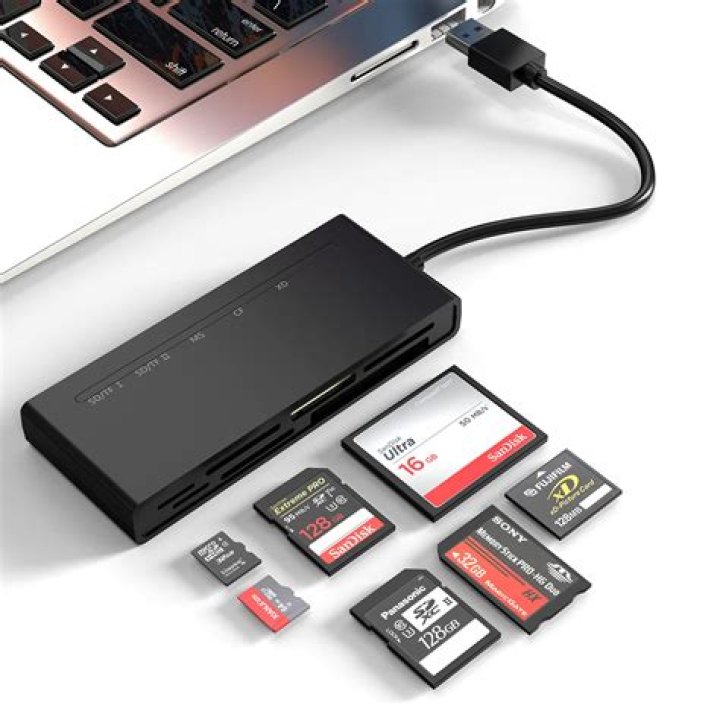
I have connected an SD card to my notebook and I'm using it as my home partition. When I turn my computer on I have no problem reaching the home folder and subdirectories, but when I suspend it and resume, the system doesn't read the SD card. So it may freeze, forcing me to reboot the machine to get everything to work again.
Some useful info is:
- MacBook Air 2016
- macOS Sierra & Ubuntu 17.04 Dual boot
- (Same problem also occurred on 16.10)
Some further info:
$ sudo LC_MESSAGES=POSIX lshw -c storage
*-usb description: Mass storage device product: Card Reader vendor: Apple physical id: 3 bus info: usb@2:3 logical name: scsi1 version: 8.20 serial: 000000000820 capabilities: usb-3.00 scsi emulated scsi-host configuration: driver=usb-storage maxpower=896mA speed=5000Mbit/s
$ lsusb -vd 05ac:8406 is: Bus 002 Device 002: ID 05ac:8406 Apple, Inc.
Couldn't open device, some information will be missing
Device Descriptor: bLength 18 bDescriptorType 1 bcdUSB 3.00 bDeviceClass 0 (Defined at Interface level) bDeviceSubClass 0 bDeviceProtocol 0 bMaxPacketSize0 9 idVendor 0x05ac Apple, Inc. idProduct 0x8406 bcdDevice 8.20 iManufacturer 3 iProduct 4 iSerial 5 bNumConfigurations 1 Configuration Descriptor: bLength 9 bDescriptorType 2 wTotalLength 44 bNumInterfaces 1 bConfigurationValue 1 iConfiguration 0 bmAttributes 0xa0 (Bus Powered) Remote Wakeup MaxPower 224mA Interface Descriptor: bLength 9 bDescriptorType 4 bInterfaceNumber 0 bAlternateSetting 0 bNumEndpoints 2 bInterfaceClass 8 Mass Storage bInterfaceSubClass 6 SCSI bInterfaceProtocol 80 Bulk-Only iInterface 0 Endpoint Descriptor: bLength 7 bDescriptorType 5 bEndpointAddress 0x81 EP 1 IN bmAttributes 2 Transfer Type Bulk Synch Type None Usage Type Data wMaxPacketSize 0x0400 1x 1024 bytes bInterval 0 bMaxBurst 4 Endpoint Descriptor: bLength 7 bDescriptorType 5 bEndpointAddress 0x02 EP 2 OUT bmAttributes 2 Transfer Type Bulk Synch Type None Usage Type Data wMaxPacketSize 0x0400 1x 1024 bytes bInterval 0 bMaxBurst 4
Also the main difference is that before suspend lsblk shows my sdb1 device (which is my SD card mounted as /home). After wake-up lsblk command doesn't show my SD card and I can't reach my files on /home folder. Also I can't reconnect my SD card; it isn't recognized.
syslog – the most recent suspension happens from "May 9 22:56:01" at line 45263.
The interesting parts appear to be:
May 9 22:56:25 MacBookAir kernel: [ 5883.035573] PM: Finishing wakeup.
May 9 22:56:25 MacBookAir kernel: [ 5883.035575] Restarting tasks ...
May 9 22:56:25 MacBookAir kernel: [ 5883.035795] usb 2-3: USB disconnect, device number 2
[...snip...]
May 9 22:56:26 MacBookAir kernel: [ 5884.869838] usb usb2-port3: cannot disable (err = -32)
May 9 22:56:26 MacBookAir kernel: [ 5884.869942] xhci_hcd 0000:00:14.0: Cannot set link state.
May 9 22:56:26 MacBookAir kernel: [ 5884.869969] usb usb2-port3: cannot disable (err = -32)
3 Answers
Some USB HDDs have firmware that forces them to sleep after periods of dis-use. Maybe this is your problem too.
Automounter is able to wake devices ().
I hope this will help you.
Had the exact same problem . Does also occur on windows 7-10.
Solution:
sudo gedit /lib/systemd/system-sleep/usbc.shthen paste this into the empty document:
 #!/bin/sh
case "$1" in pre) echo -n "0000:00:14.0" | tee /sys/bus/pci/drivers/xhci_hcd/unbind ;;
esac
case "$1" in post) echo -n "0000:00:14.0" | tee /sys/bus/pci/drivers/xhci_hcd/bind ;;
esac
Save it and run chmod:
sudo chmod a+x /lib/systemd/system-sleep/usbc.shThen reboot and test
1Try to change the power settings so that it never suspends. That's what I had to do to ensure copying 128 GB to SD Card succeeded.
Keep your laptop plugged in, too.


