Ubuntu doesn't copy video files to Sandisk USB Flash drive
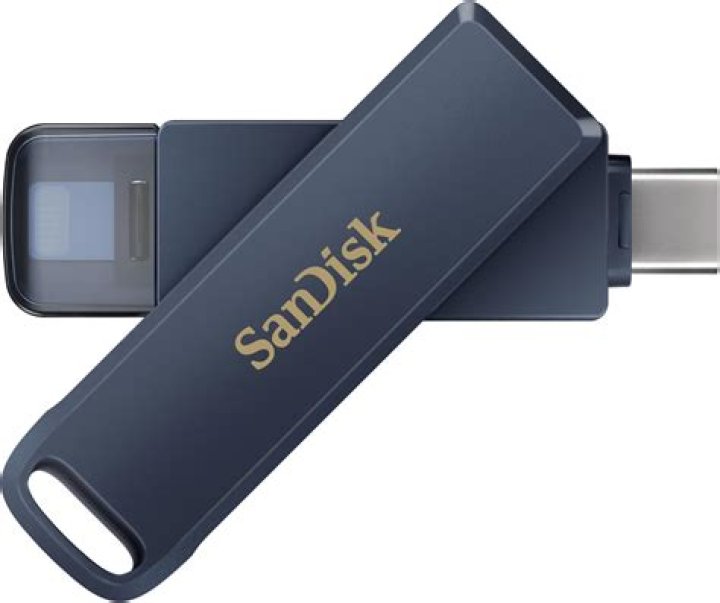
I recently purchased a new SanDisk Cruzer Glide 32 Gigabyte flash drive. I tried to put movies on the flash drive, and it seems to work, but when I plugged it into the PS3, the video files did not show up at all i.e. nonexistent to PS3. When I plugged it into a Windows 7 computer, instead of "Video Clip," like all of the other videos put on there from the PS3, it said "File," and had a different icon.
In case the thought occurs to someone, there is nothing wrong with the files themselves.
I had another SanDisk flash drive, but it was 16 Gigabyte, and not "Glide." That is what I normally use to transfer video files to and fro the PS3, but it is not in my possession at the time, so I have not been able to test it yet. When I do get it back, I will test it, and if it works, then I know it is SanDisk's fault and not Ubuntu's. But, since I can't test it, I wondered if anyone else has had this problem, has anyway of testing it, etc.
I'm almost sure it is Ubuntu though, I have the same problem with another flash drive that is not SanDisk, or at least I don't think so. Someone gave it to me, and it has PNC on it, which is a bank, so I'm not sure if it could just be a SanDisk flash drive with a PNC outfit.
Anyone can help?
2 Answers
Firstly, your files are not named with a suffix. (.avi, .mpg, .mp4, etc)
This produces files that work just fine on Linux because it uses magic (not kidding, the pattern match data is literally called magic) to determine file type (use man magic at a terminal for a longer explanation).
Windows on the other hand trusts the name of the file to decide what to do with it. The default configuration of Windows hides these file extensions ; most advanced users regard this as an unsafe behaviour (because it's too easy to ship a virus program with an icon that makes it look like a video or image).
I can't say I have experience with a PS3, but it will play these encodings, apparently. I don't know if it needs files named a particular way.
4Please check to make sure the format is supported on PS3.
Also, you may want to make sure the file transfers have completed. The easiest way, that I know of, is to eject the flash drive and if it says that the drive is busy then it's still copying files.


