Ubuntu 20.04 touchpad doesn't work on new Lenovo Ideapad
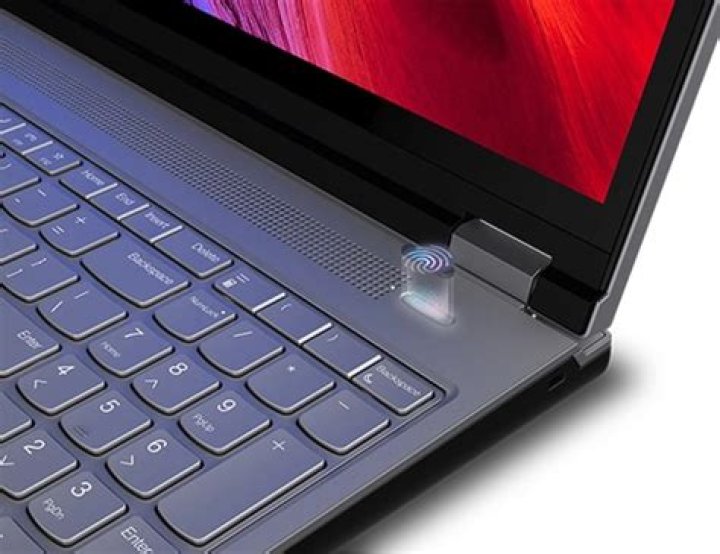
I have just bought a new Lenovo laptop. I've installed the Ubuntu 20.04, but my touchpad doesn't work.
Here is the result of xinput command:
Do you have any idea how to fix it?
13 Answers
- $xinput shows the available input devices in the machine. but, the machine hava a data for it. So,Maybe it is hardware(touchpad) problem.
- Maybe Hardware is good,just reboot and try any other OS.
- else, see the settings for touchpad(Settings > mouse and touchpad> touchpad) is enable/disable. Many lenovo laptop's F6(function key) for enable or disable touchpad.
I have a Lenovo t420 that has touchpad problems. I run this script at startup:
DEVICENUM=$(xinput | grep SynPS/2 | grep 'id=' | cut -d= -f2 | cut -b 1,2)
printf "\033c"
xinput set-prop $DEVICENUM "Device Enabled" 0
xinput set-prop $DEVICENUM "Device Enabled" 1
echo "done"sudo gedit file /etc/default/grub
Replace line GRUB_CMDLINE_LINUX_DEFAULT="quiet splash" with GRUB_CMDLINE_LINUX_DEFAULT="pci=nocrs quiet splash"
Save file /etc/default/grub
Execute update-grub
Reboot
As it's commented here
lenovo IdeaPad-3-14ARE05 Touchpad not working. Ubuntu 20.04
It works for me on 20.04


