Ubuntu 18 command apt-get dist-upgrade -qq --force-yes deprecated
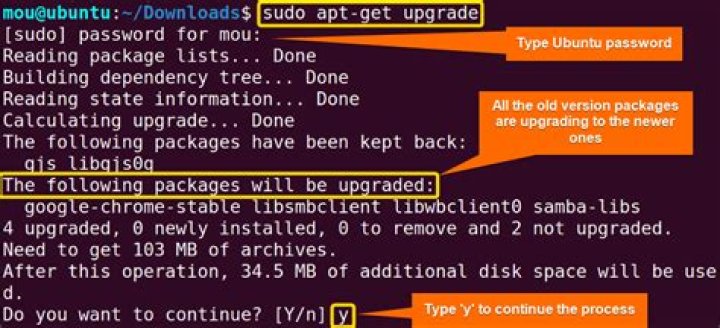
when I tried as
sudo apt-get dist-upgrade -qq --force-yes
W: --force-yes is deprecated, use one of the options starting with --allow instead.
Then tried the suggested as:
sudo apt-get dist-upgrade -qq --allow
E: Command line option --allow is not understood in combination with the other options
So how to use the above commad?
1 Answer
As stated in the message, you are suggested to use the options starting with --allow.
Have a look in the apt-get̀ man page, you will find options like :
--allow-downgrades--allow-remove-essential--allow-unauthenticated
and so on.
when you have a look at the --force-yes option description, you can also find interesting informations :
--force-yes Force yes; this is a dangerous option that will cause apt to continue without prompting if it is doing something potentially harmful. It should not be used except in very special situations. Using force-yes can potentially destroy your system! Configuration Item: APT::Get::force-yes. This is deprecated and replaced by --allow-unauthenticated , --allow-downgrades , --allow-remove-essential , --allow-change-held-packages in 1.1.

