Ubuntu 18.04 (4.15.0-177) booting issue: AER: Corrected error received: id=00e0
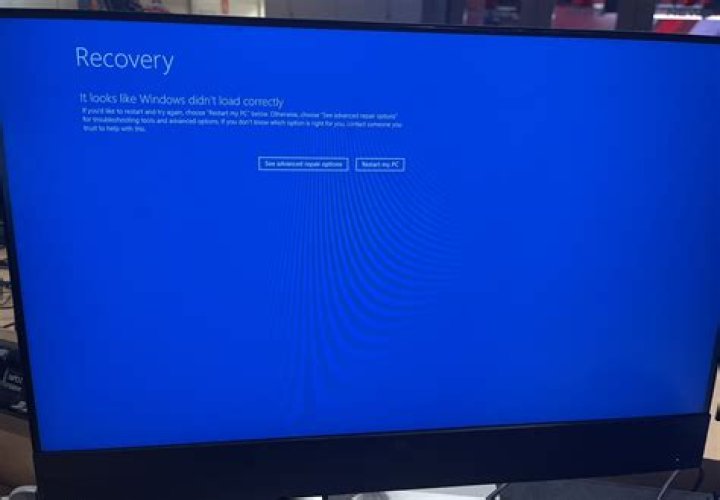
I have a dual boot Ubuntu 18.04.5 LTS + Windows 10 that has been working fine for 4 years, until yesterday.
Booting is now extremely slow (about 2 minutes compared with 15 seconds before) and when it finally boots, it seems like there is no graphics device or network device connected. I'm also unable to change display settings like screen luminosity.
I ran dmesg and found this:
[ 137.018944] pcieport 0000:00:1c.0: AER: Corrected error received: id=00e0
[ 137.018958] pcieport 0000:00:1c.0: PCIe Bus Error: severity=Corrected, type=Physical Layer, id=00e0(Receiver ID)
[ 137.018967] pcieport 0000:00:1c.0: device [8086:a110] error status/mask=00002001/00002000
[ 137.018975] pcieport 0000:00:1c.0: [ 0] Receiver Error (First)
[ 137.092114] pci_raw_set_power_state: 122 callbacks suppressed
[ 137.092115] pcieport 0000:03:00.0: Refused to change power state, currently in D3
[ 137.095913] pci_bus 0000:04: busn_res: [bus 04] is released
[ 137.095950] pci_bus 0000:05: busn_res: [bus 05-39] is released
[ 137.095981] pci_bus 0000:3a: busn_res: [bus 3a] is released
[ 137.096112] pci_bus 0000:03: busn_res: [bus 03-3a] is releasedAfter waiting for about 5 minutes, the computer seem to find the graphic device, the display gets back to normal luminosity and the second monitor receives an image but there is still no network interface.
My kernel version is 4.15.0-177-generic.
I tried to add pci=nomsi and pci=noaer in the GRUB menu but the only effect it has is to make the keyboard unresponsive when I add pci=noaer.
Interestingly, booting with an older kernel (4.15.0-118-generic) seem to resolve the booting time and the network device issue. The GPU works too, but for some reason my second monitor doesn't receive anything and I am unable to access the nvidia driver settings because the window is empty:
Link to the full dmesg (older kernel)
2 Reset to default

