Ubuntu 17.10 BIOS problem
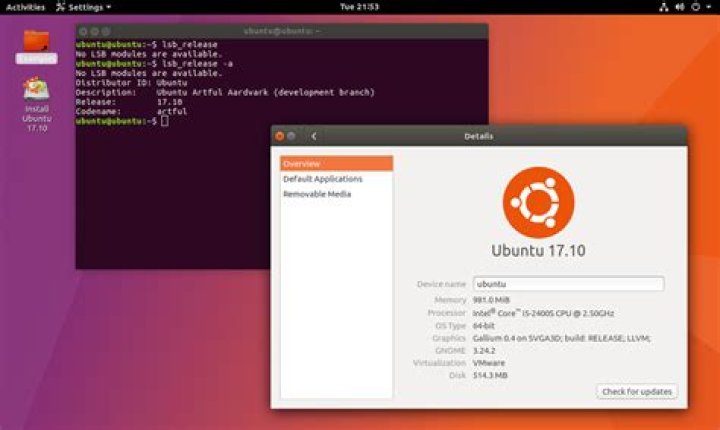
It was some time back when I had dual booted my laptop (Lenovo g50-30) with Ubuntu 17.10, which used to have Windows 10. After some time, I deleted Ubuntu to only have windows 10.
Also, I was trying to fix a bootloader problem, and in doing that I made a mistake and now I am unable to boot into windows.
However, I just realized that my BIOS settings are not saving, which was cause due to the Ubuntu 17.10 bug which I was unaware of, and no bootable usb can be detected by it too.
I can't think of any way to recover my machine, as I can't boot into any OS, and BIOS isn't working for me as well. Please help guys.
Edit: Hey guys, thanks for the response. I managed to find a solution to my problem and am typing now from my laptop. Luckily, there was still an ubuntu entry in my boot menu, and on launching that, I reached minimal Bash. I used chainloader from there to boot lubuntu which was on a usb. With this I managed to edit my rEFInd conf file and managed to enable it to detect all efi files, which I had disabled for some reason. rEFInd managed to detect my windows recovery media, and was able to fix my windows. Now I have to just fix my bios :).
21 Answer
Although your problem is not strictly relevant to Ubuntu, in short you could have a messed up or incorrectly configured Windows BCD, or a missing/corrupt bootmgfw.efi file (if you have a GPT disk). Either way you will not be able to boot up.
You haven't mentioned whether you are using a UEFI GPT disk or MBR one (I'm assuming the former case). Suffice it to say you will need to boot up externally into 'repair mode' either from a Windows installation DVD or a prepared bootable repair disk/USB drive. That way you can directly access your hard drive.
BIOS is independent of your OS, ie you should be able to access BIOS and save settings even without a hard drive in your machine. Firstly if a HDD is installed it should be automatically detected by BIOS whether it has an OS on it or otherwise, as well as any external drive if connected. First, I would check in your BIOS if 'secure boot' is enabled. If so disable it as that can make your HDD inexplicably disappear sometimes; that does happen if Windows 7 is installed. Save that and then re-enter BIOS. If your drives still fail to be detected you could be looking at hardware issues.
It will take too long to go into the wonders of BCD configuration, but have a read of How to fix Windows 8 UEFI problems. It's the same repair procedure for a Win 10 BCD. Good luck!
3

