Ubuntu 16.04 doesn't support wide screen 2560x1024
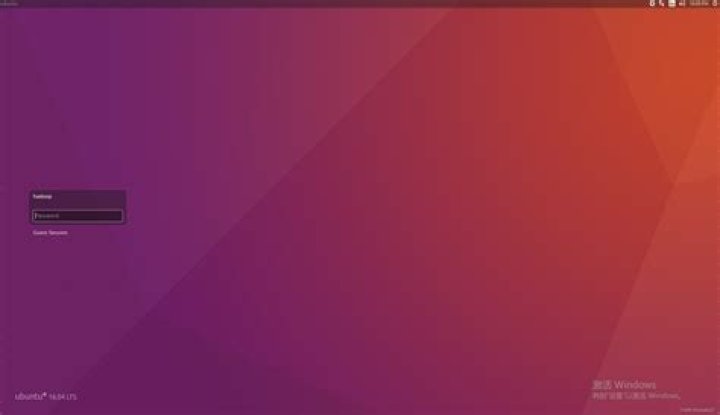
From a fresh installation of Ubuntu 16.04, you don't have the support for the ultra-wide screen like LG 2560x1024.
My video-card is a AMD Caicos [Radeon HD 6450/7450/8450 / R5 230 OEM] card.
Ubuntu 16.04 doesn't support installation of AMD drivers.
21 Answer
You can set up a custom resolution using xrandr. For example to get a display size of 2940 x 1260 at 55 Hz (nice easy-read resolution for an ultra wide screen):
- sudo cvt 2940 1260 55
- sudo xrandr --newmode "2944x1260_55.00" 284.00 2944 3144 3456 3968 1260 1263 1273 1303 -hsync +vsync
- sudo xrandr --addmode HDMI-1-1 2944x1260_55.00
Note: Step 2 uses the output of step one. This resolution will now be listed as part of your display options.
Now if this worked, you may find that your settings are gone after you restart. So to make xrander load the mode after restart:
- nano $HOME/.xprofile
- Add the commands from step 2 and 3 to the file.
- chmod +x $HOME/.xprofile
Your mileage may vary, but his worked like a charm for me. Hopefully it gets you down the right track at least.


