Touchpad going crazy - Inspiron 7548
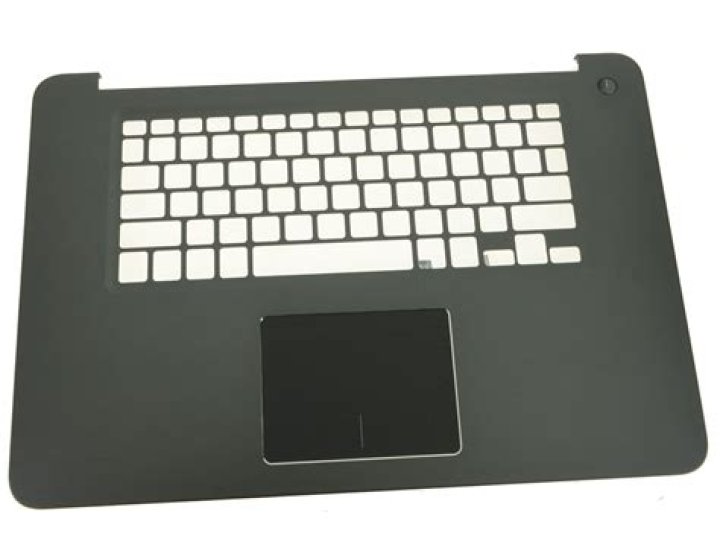
I'm using Ubuntu 15.04 on my Inspiron 7548. The laptop is Ubuntu certified. However, my touchpad goes crazy randomly. It begins to move by itself (without me touching it), and begins to click on everything. I've tried this solution, but the problem still persists.
xinput -list
⎡ Virtual core pointer id=2 [master pointer (3)]
⎜ ↳ Virtual core XTEST pointer id=4 [slave pointer (2)]
⎜ ↳ ELAN Touchscreen id=11 [slave pointer (2)]
⎜ ↳ MSFT0001:00 06CB:75BD UNKNOWN id=12 [slave pointer (2)]
⎣ Virtual core keyboard id=3 [master keyboard (2)] ↳ Virtual core XTEST keyboard id=5 [slave keyboard (3)] ↳ Power Button id=6 [slave keyboard (3)] ↳ Video Bus id=7 [slave keyboard (3)] ↳ Power Button id=8 [slave keyboard (3)] ↳ Sleep Button id=9 [slave keyboard (3)] ↳ Integrated_Webcam_HD id=10 [slave keyboard (3)] ↳ AT Translated Set 2 keyboard id=13 [slave keyboard (3)] ↳ Dell WMI hotkeys id=14 [slave keyboard (3)] ↳ DELL Wireless hotkeys id=15 [slave keyboard (3)]
The contents of /etc/X11/xorg.conf.d/51.synaptics.conf
Section "InputClass"
Identifier "Default clickpad buttons"
MatchDriver "synaptics"
Option "ClickPad" "true"
Option "EmulateMidButtonTime" "0"
Option "SoftButtonAreas" "50% 0 82% 0 0 0 0 0"
EndSection
1 Answer
The first thing I would try is to verify that /etc/X11/xorg.conf.d/51.synaptics.conf file is really taken into account by X server. Add Option "Ignore" "on" line to the InputClass section and reboot. If your touchpad is disabled, your configuration really works.
A touchpad moving by itself really looks like a hardware issue, perhaps damage from the liquids spilled on it in the past, or some dust grains stuck between the touch surface and the bezel. Try to clean the touchpad as much as you can (if you feel comfortable with taking the laptop apart, remove the touchpad, clean it and put it back). If that doesn't help, you may need get it replaced, or disable it and leart to do without.
1

