Testing motherboard SATA controller
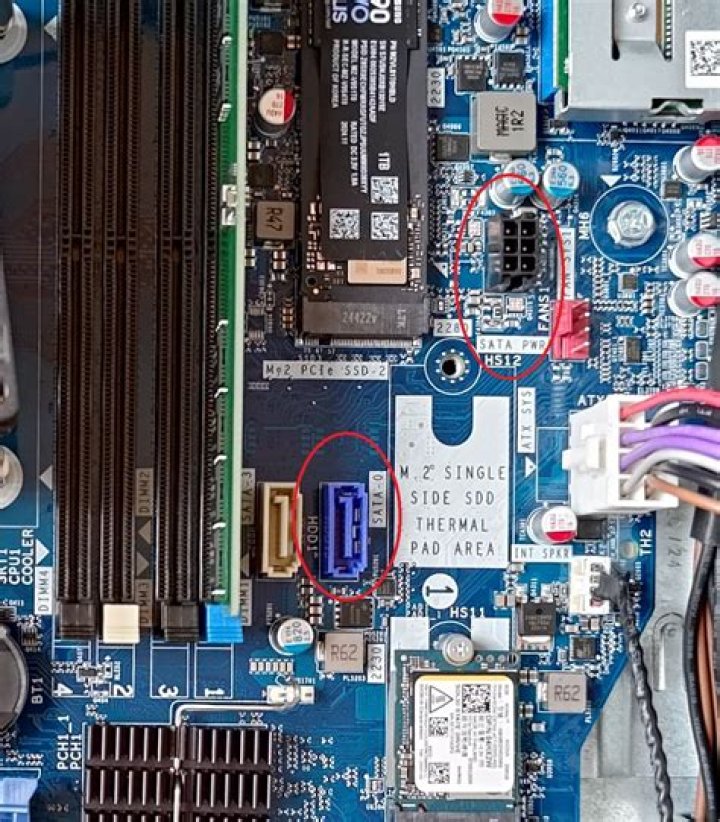
I have an eVGA 680i SLI motherboard that has sat around for a while after I stopped using it because it seemed to be "killing" hard drives left and right.
Is there anyway I can test the SATA controller to see if it functions correctly?
What the heck would cause the SATA controller to kill disks?
As far as the drives, they were mixed. The first one I think lasted 2 years it was a Seagate 7200.11.
I tested that drive on another machine and was truly dead (bad pick?). The next one was a drive of the same model purchased around the same time, it just sat in the box though. Dead with in 6 months.
Then I had a Western Digital Caviar Green, it "died", I plugged it into another computer and it has worked flawless ever since. Before all of those drives, I did have some "questionable" WD2500s which seems to fail when I used the hostRAID which is nforce based.
41 Answer
Unfortunately, such testing devices for SATA ports are very expensive and I have not seen a home/small scale solution to this other than to plug in a device and see if it works.
How many devices have actually died? If it is 1 or 2, you could just be very unlucky - if it is 3-4 of a single brand/model, it could be a flaw/problem in that model (There have been various problems/ranges of dead drives in recent years). If however it is 4+ of different brands, I fear that you may be correct.
One test I would do is to plug in a SATA optical drive and see if you get the same problems after a while.
In addition, I have not heard of the vendor "eVGA", so, I really can't comment on their quality, but, I have seen with some motherboards (most recently with Gigabyte) that when AHCI mode is turned on, under some circumstances, if there is a power failure or reboot where the hard drive does not fully shut down, it will completely act dead even when it isn't. The only solution I was able to find was to place the drive in another machine, 0 level format it and put it back in the machine.
You may want to double check this - Gigabyte is usually a good brand and I was able to replicate this error on quite a few different motherboards, therefore, I assume this is more I/O chipset related and it may be shared across other manufacturers - unfortunately, I am not sure what the brand is, but the board was GA-P55-US3L.
If this is the same I/O Chip vendor, a solution could be to turn the hard drive AHCI mode off - this fixed (or worked around) the problem I found.
4

