telnet: Unable to connect to remote host: Connection refused
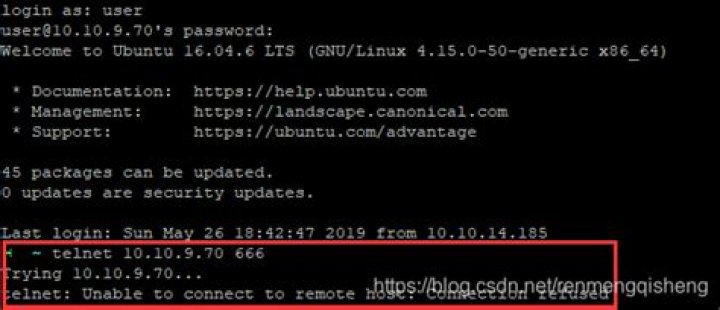
I am inside docker and I have installed zookeeper and trying to test it using telnetBut it is not working
$ telnet localhost 2181
Trying ::1...
Trying 127.0.0.1...
telnet: Unable to connect to remote host: Connection refused
I tried these also
telnet 127.0.0.1 2181
telnet 172.17.0.2 2181
But same error.
netstat status
# netstat -tlpn
Active Internet connections (only servers)
Proto Recv-Q Send-Q Local Address Foreign Address State PID/Program name
Please help.
2 Answers
Verify zookeeper is actually running, via
ps aux | grep -i zookeeperIf it is, then it may not be bound to 127.0.0.1 or 0.0.0.0. So check which IP address it's actually bound to,
netstat -tlpnThen try to telnet to it using that address.
7check your ubuntu system log with this command
sudo gedit /var/log/syslog
and if you will see this error "execv( /usr/sbin/tcpd ) failed: No such file or directory" then run this command
sudo apt-get install tcpd
it will solve your problem (if not then you need to search your system error on google)


