systemd wont use dockerd configuration file
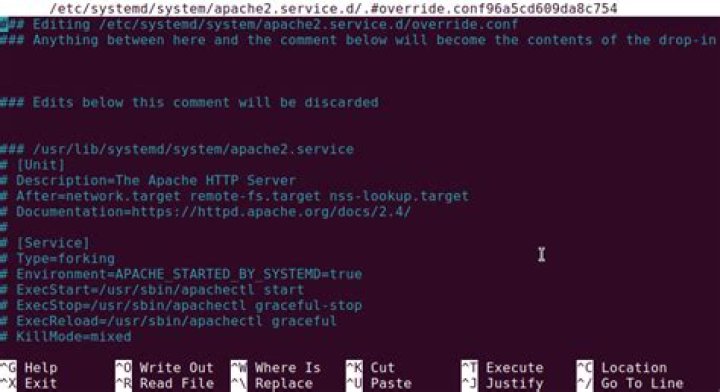
I have to use systemctl daemon-reload and systemctl restart docker after every reboot, then the docker service will use daemon.json file to override default settings.
Ubuntu server 18.04, docker-ce 18.09.7
Is there a way to make this persistent ?
user@host:~$ cat /etc/docker/daemon.json
{ "exec-opts": ["native.cgroupdriver=systemd"], "log-driver": "json-file", "log-opts": { "max-size": "100m" }, "storage-driver": "overlay2"
}2 Answers
Follow these steps.
- Go to /etc/init.d
- Add a file( say example ) and place the script you want to execute in that.
- chmod +x /etc/init.d/example. (permissions)
- Add # chkconfig: 345 99 10 inside your script
- Save it 6 Start the service with — service example start.
This should work as system service/ startup service .
Go into your example, vi /etc/init.d/example then add -
systemctl daemon-reload
systemctl restart docker
If your commands do the work of over-writing , this will work.
Let me know if you face any challenge as distors do matter.
The default config file used during start up is actually this one: /var/snap/docker/current/config/daemon.json
You can update this file instead.
# Remove existing /etc/docker/daemon.json fisrt.
ln /var/snap/docker/current/config/daemon.json /etc/docker/daemon.json
cat > /etc/docker/daemon.json <<EOF
{ "exec-opts": ["native.cgroupdriver=systemd"], "log-driver": "json-file", "log-opts": { "max-size": "100m" }, "storage-driver": "overlay2"
}
EOF

