System boots into a blank screen on reboot after updating CentOS 8
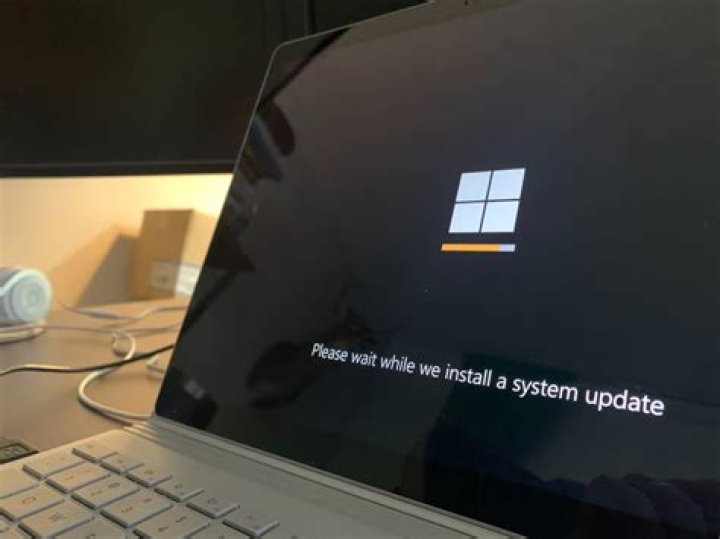
After updating CentOS 8 on an HP SFF desktop it boots to blank screen.
- Manufacturer: Hewlett-Packard
- Product Name: HP EliteDesk 800 G1 SFF
- Memory: 8GB
- Disk: 120GB SSD
1 Answer
Here is the solution I found:
Download the latest release of Centos 8 from a mirror:
Create a bootable USB with the latest CentOS on it:
Boot from USB drive (see your manufactures BIOS information on this)
At the prompt select “Troubleshooting -> Rescue”
The display will show something like "anaconda..."
- Select 1 (Continue)
- Then press enter.
At the "sh" prompt:
cp /run/install/repo/BaseOS/Packages/shim-x64-15-8.el8.x86_64.rpm /mnt/sysimage/tmp
chroot /mnt/sysimage
cd /tmp
dnf --disablerepo=\* downgrade ./shim-x64-15-8.el8.x86_64.rpm
exit
Run:
shutdown -r nowRemove the boot USB device.
The system should now be returned to service. Your mileage may vary.
It is recommenced from RedHat/CentOS that you should put in the appropriate limitations in your environment to prevent upgrades to shim, grub2, kernel, and any of the other packages listed in the references below until the issue is addressed.
This will mean leaving your system vulnerable to the exploitable conditions and internet facing systems should have extra vigilance with respect to security.
References:
1

