Surface book 2 update, bitlocker activated. Did not set a code.
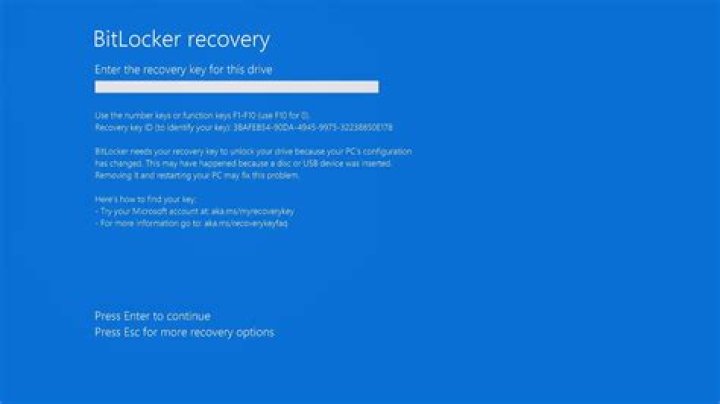
I have a new surface book 2 and was in the middle of setting it up. Did nothing noteworthy except activate hyper-v and WSL. Then an update was scheduled and in the reboot it seems bitlocker has been activated. I did not set a passcode, but it's asking for "Enter the recovery key for this drive" because "the Secure Boot policy has unexpectedly changed".
I have tried the pin code, but that is not it. What are my options?
32 Answers
Detach the screen and turn it on. You'll skip the Bitlocker screen and boot into Windows. From there I suggest you take a backup of everything while you can and try linking your Microsoft account to your Surface Book and get the recovery key that way.
If you successfully get the recovery key, turn off the system, attach the screen and keyboard and turn it on again. You'll be prompted with a slightly different looking Bitlocker screen, and once you enter your recovery key your Surface Book is back to normal.
1The following solution appears in one of Microsoft forums
"BitLocker Issue after Updates Surface Book 2"
...there is a "solution" or better, a "workaround". If you detach the screen before powering up the device, you can actually boot the tablet. And then once it did boot, you can put it back onto the keyboard to use it as a laptop.


